Add PetPro to your phone or desktop for a faster, full-screen, app-like experience.
PetPro runs in your browser, but you can install it to your phone or computer for a native-app feel — a home-screen icon, full-screen (no browser bars), and faster loads. No app store, no download — it's the same PetPro, just one tap away.
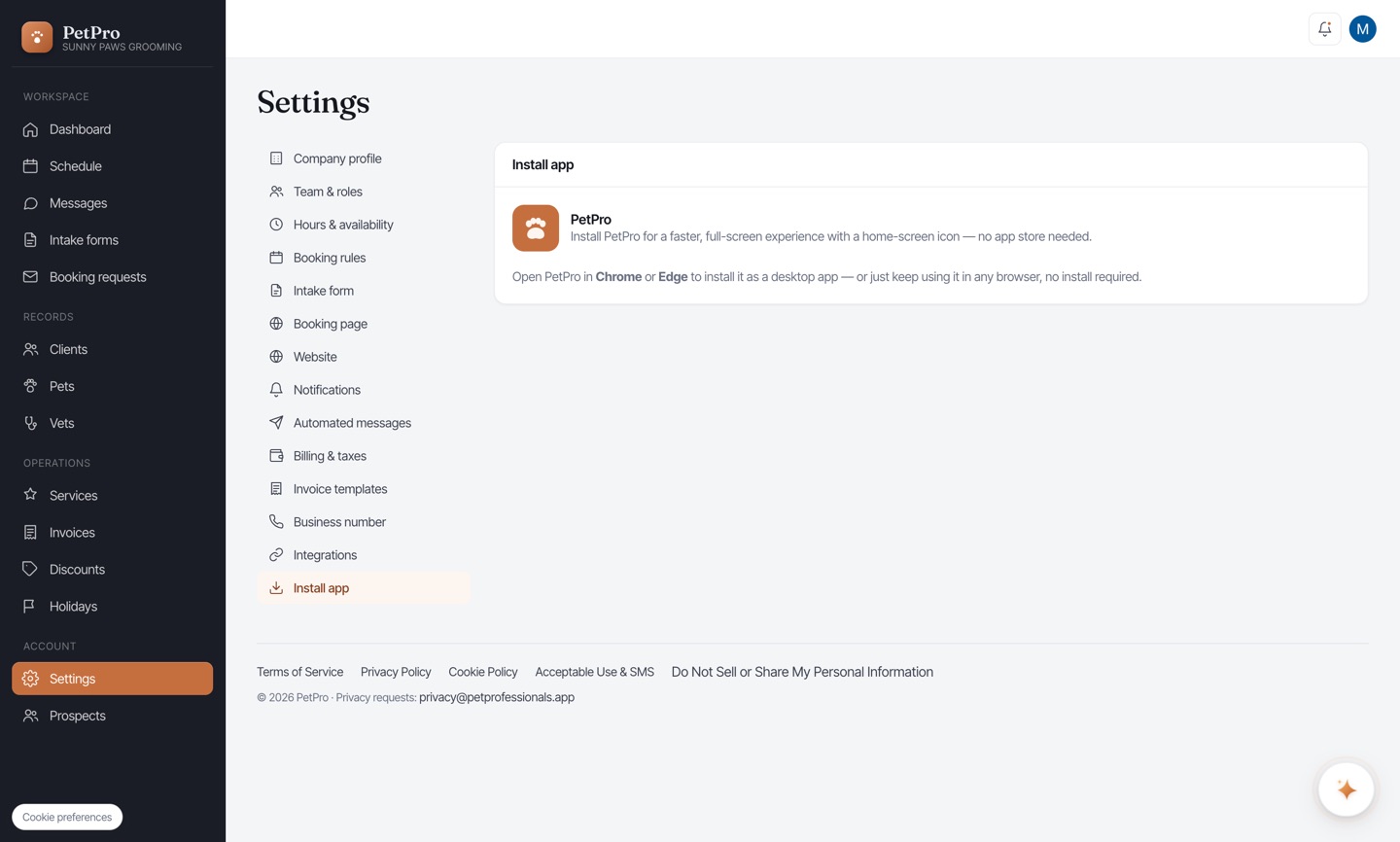
Open Settings → Install app for the how-to. PetPro installs straight from your browser — no app store needed.
On iPhone (Safari): tap the Share button, scroll down, and tap Add to Home Screen → Add. PetPro appears as an icon on your home screen.
On Android or desktop (Chrome / Edge): tap the install icon in the address bar (or the ⋮ menu → Install PetPro). It opens in its own full-screen window.
PetPro now lives on your home screen or dock — open it like any app, full-screen and fast.