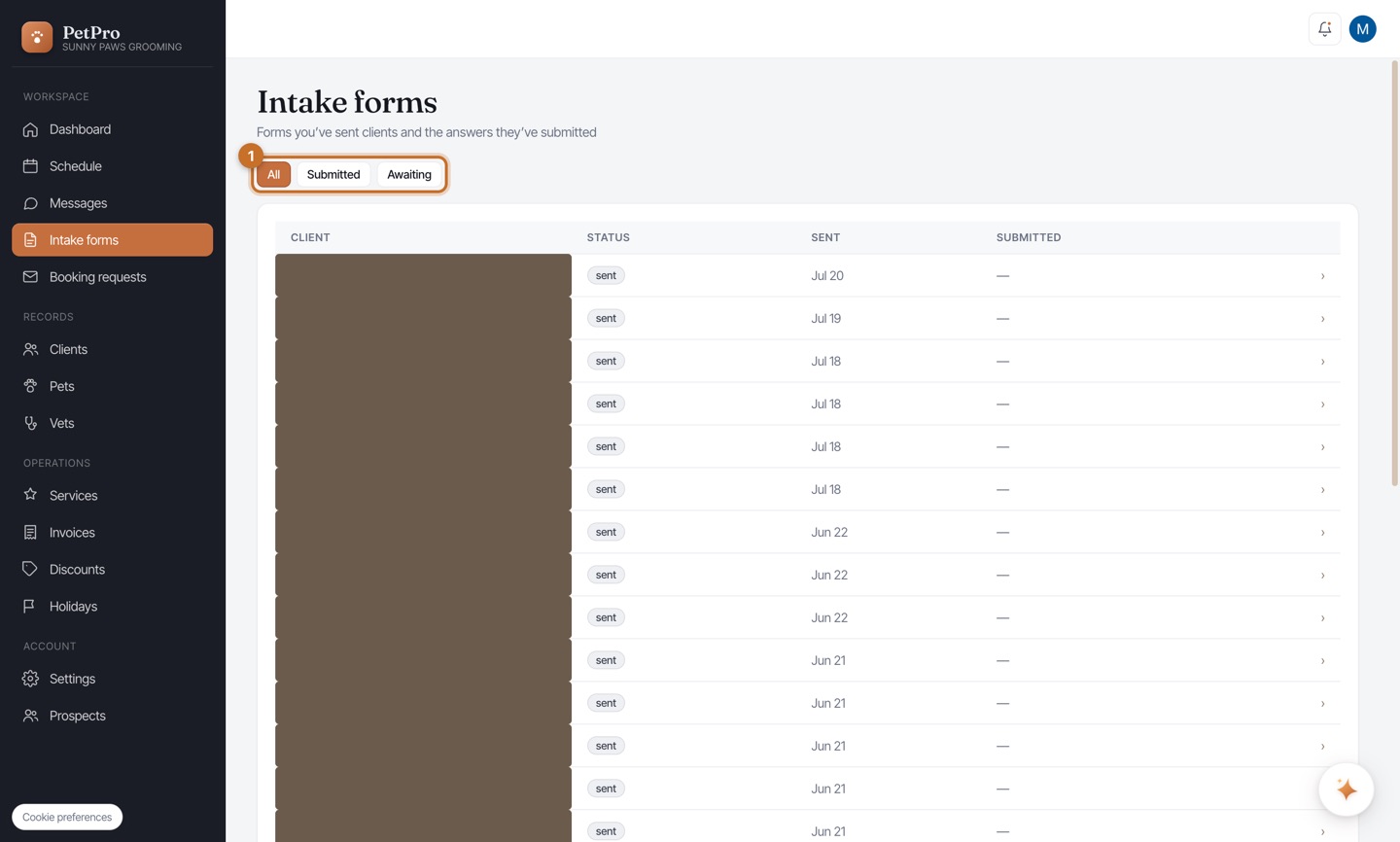
Build the form in Settings → Intake form. It starts with sensible fields — pet name, species, breed, vaccinations, emergency contact, vet. Reorder them with the arrows and mark any Required. Use the toggles up top: Enabled turns the form on, and Auto-send to new clients texts it automatically the first time someone books. Preview shows exactly what the client sees.
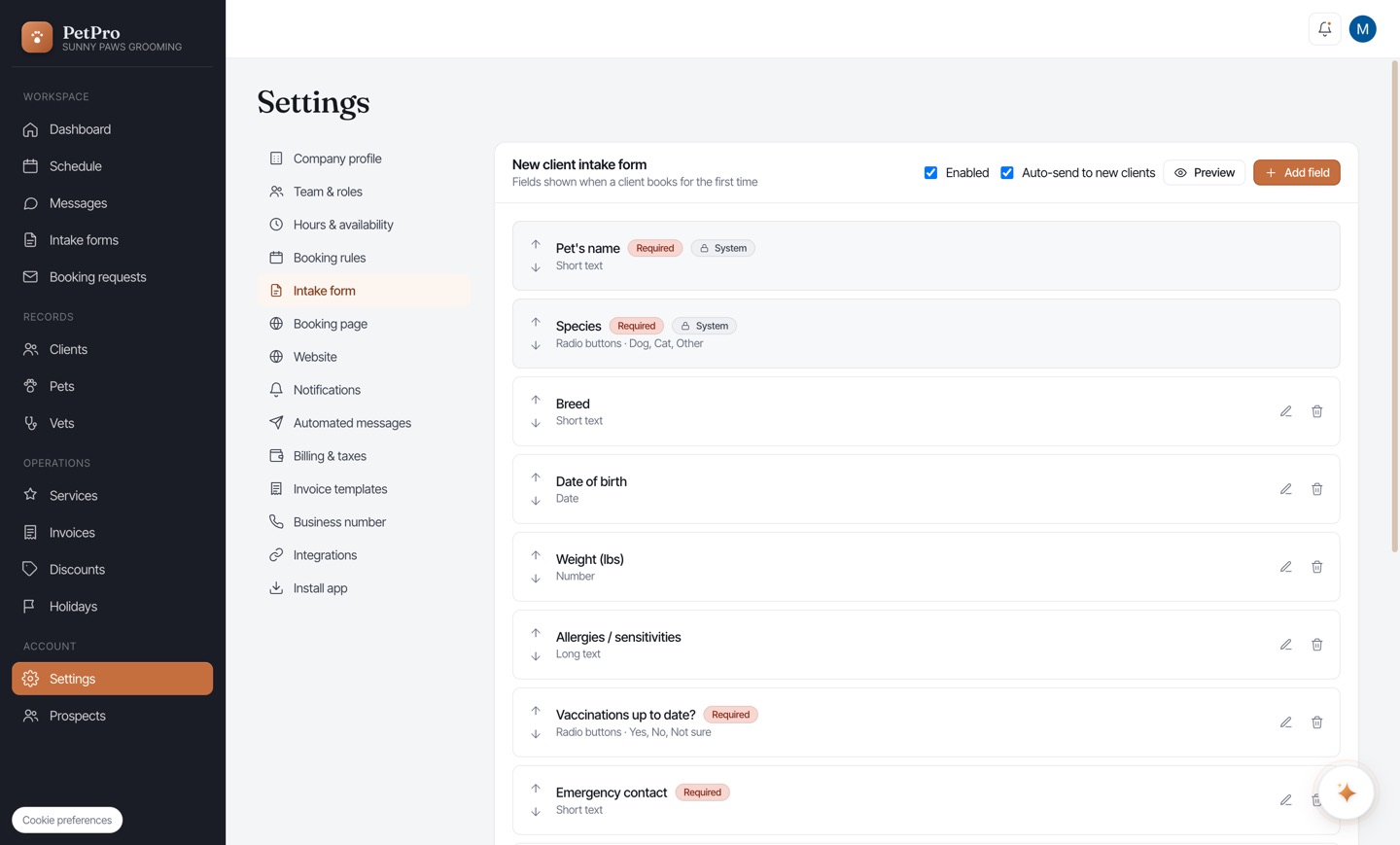
Click + Add field to ask anything else. Give it a Label, pick a Field type — short or long text, number, date, dropdown, radio buttons, checkbox group, yes/no, file upload, or a Consent acknowledgement — choose whether it's Required, and add optional Help text. A live Preview shows the field as you build it.
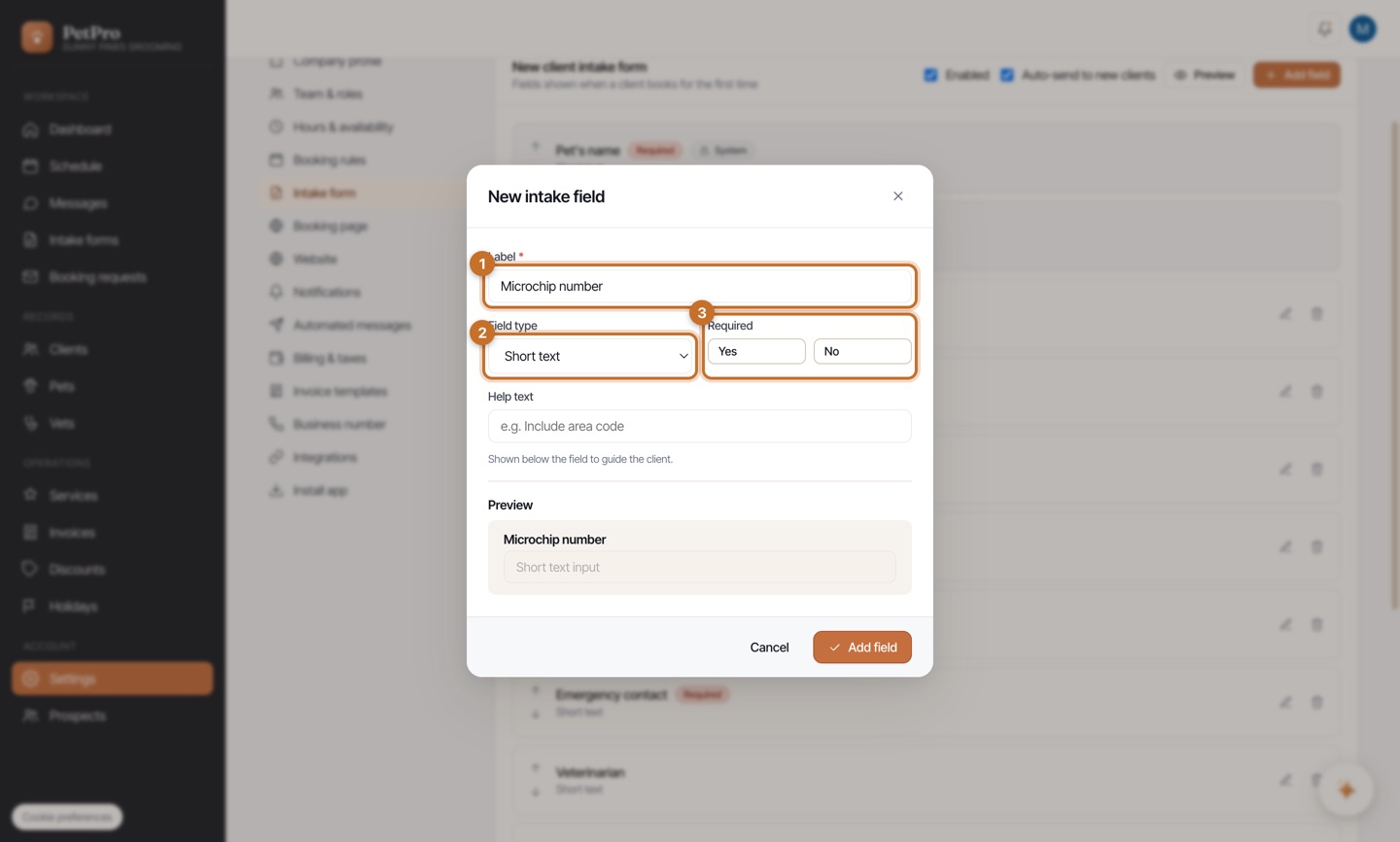
Track responses under Intake forms in the sidebar. Every form you've sent shows its status — sent, submitted, or awaiting — with the date. The All / Submitted / Awaiting tabs let you see who still needs to fill theirs in; open any row to read the client's answers on their record.