1
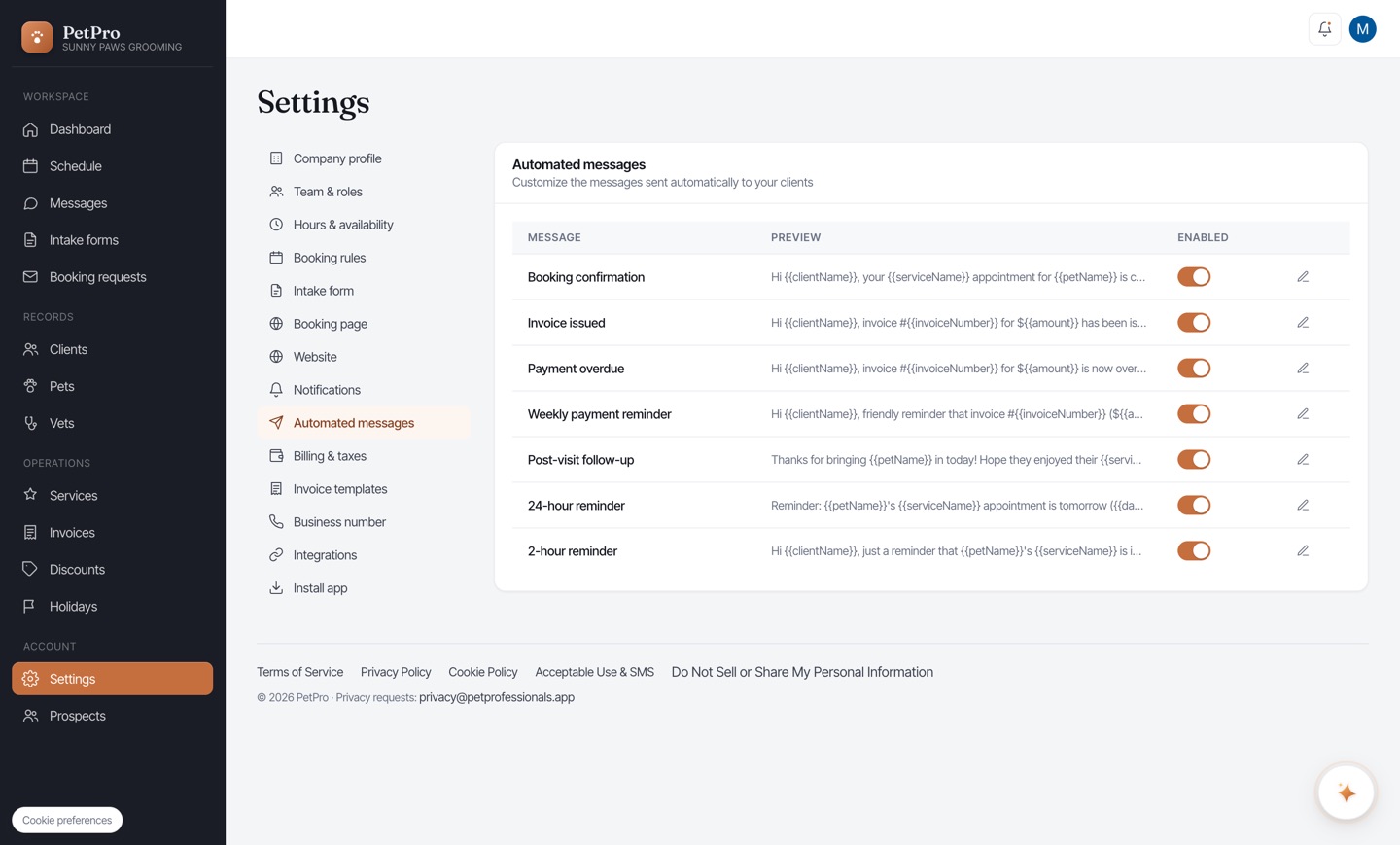
Open Settings → Automated messages. Each row is a message PetPro can send automatically — Booking confirmation, 24-hour reminder, Invoice issued, Post-visit follow-up, and more — with a preview and an Enabled toggle. Switch off any you don't want.
2
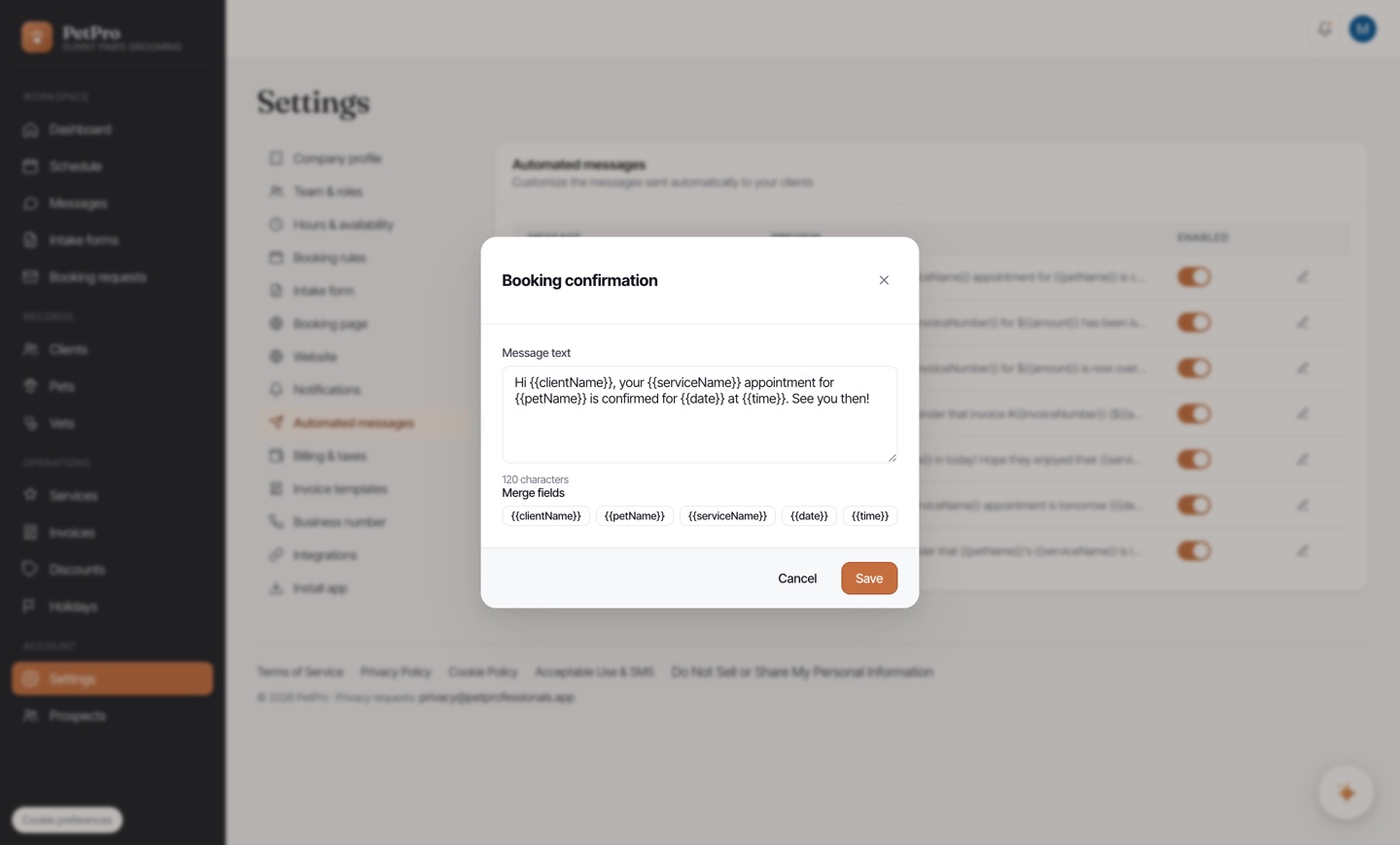
Click Edit on a message to reword it. Placeholders like {{clientName}}, {{petName}}, and {{serviceName}} are filled in with the real details automatically when each message is sent.