1
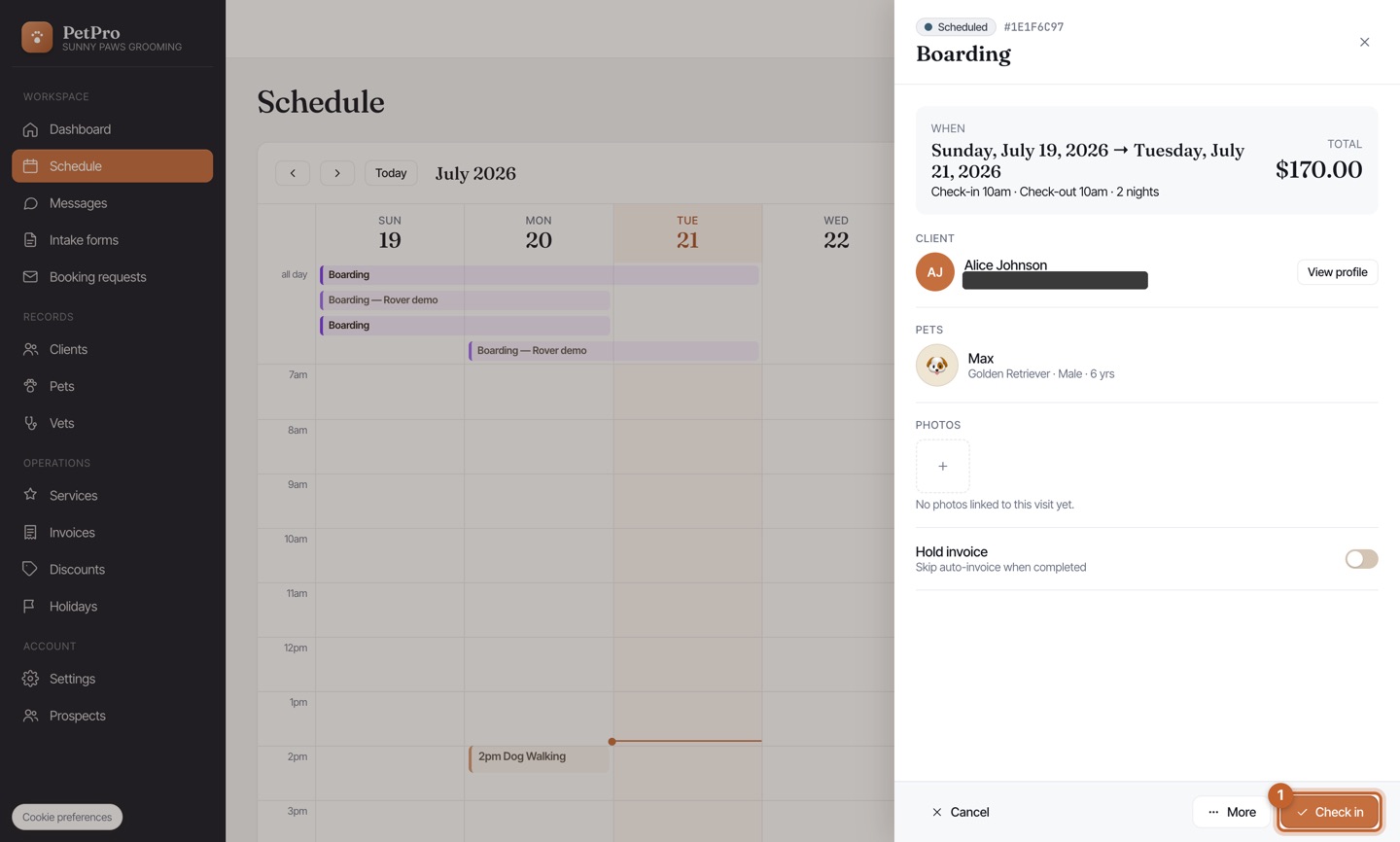
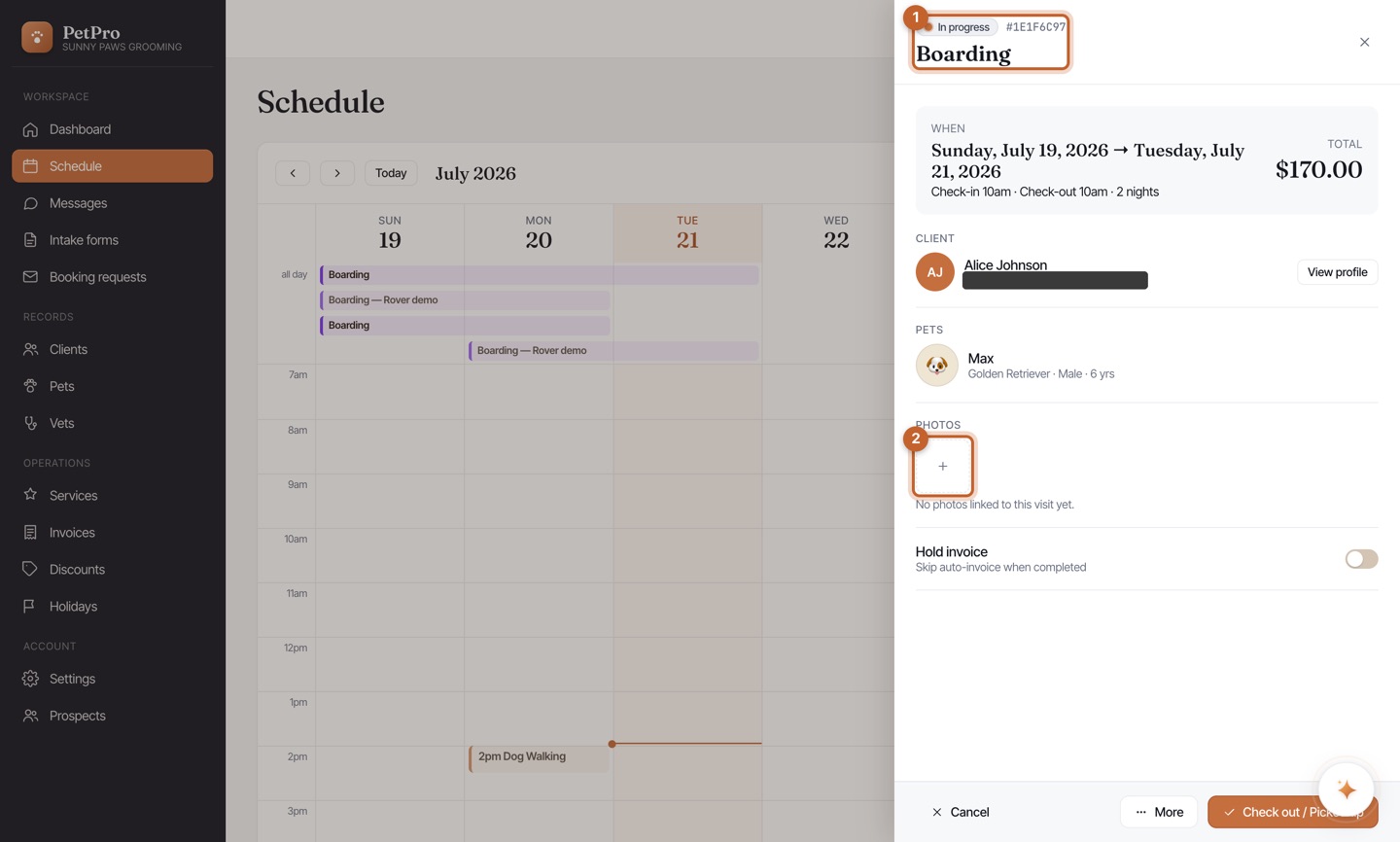
Open the boarding booking on your Schedule. The panel shows the dates, nights, client, and pet. Click Check in when the pet is dropped off.
2
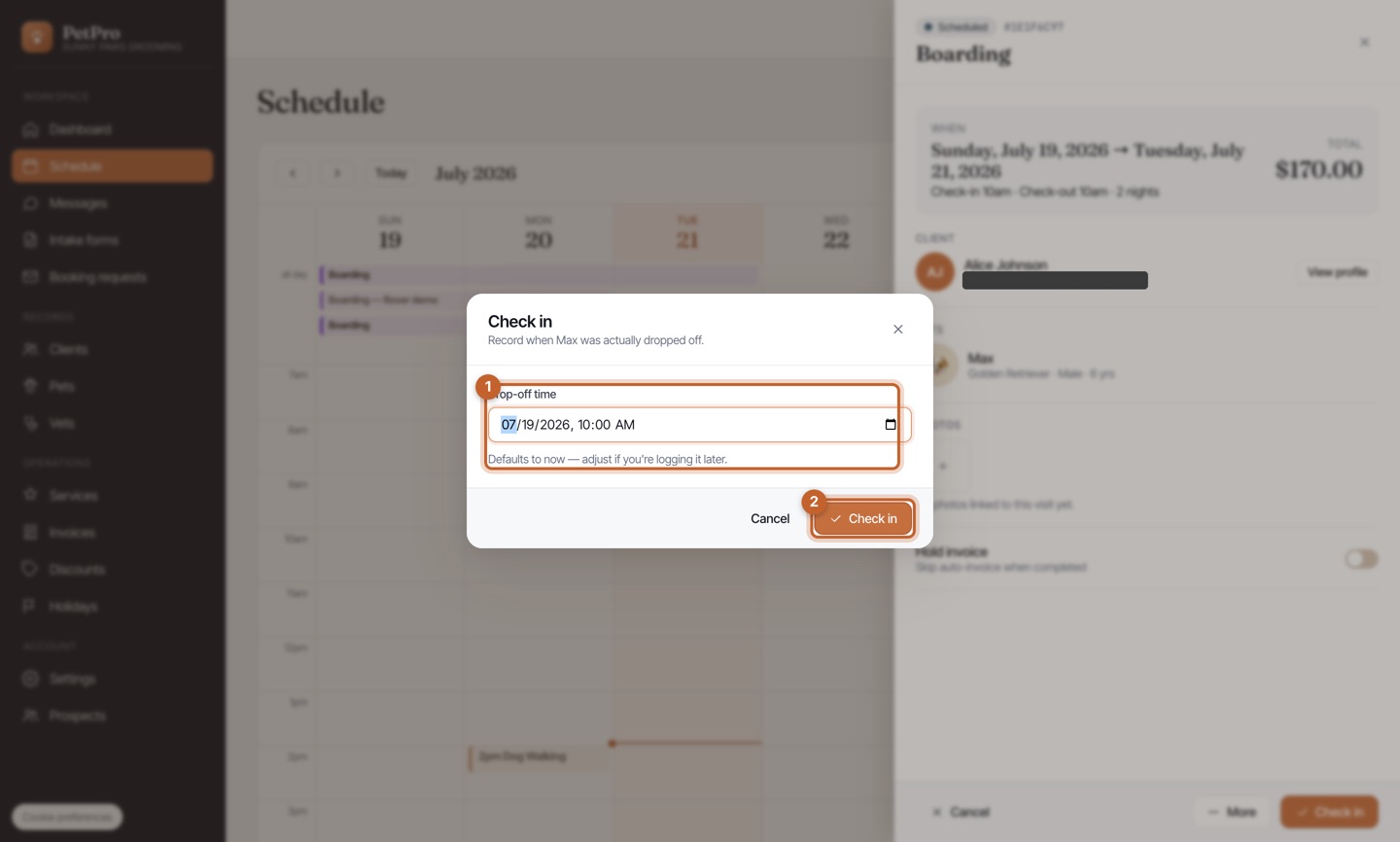
Confirm the drop-off time (it defaults to now) and click Check in — the pet is now in your care.
3
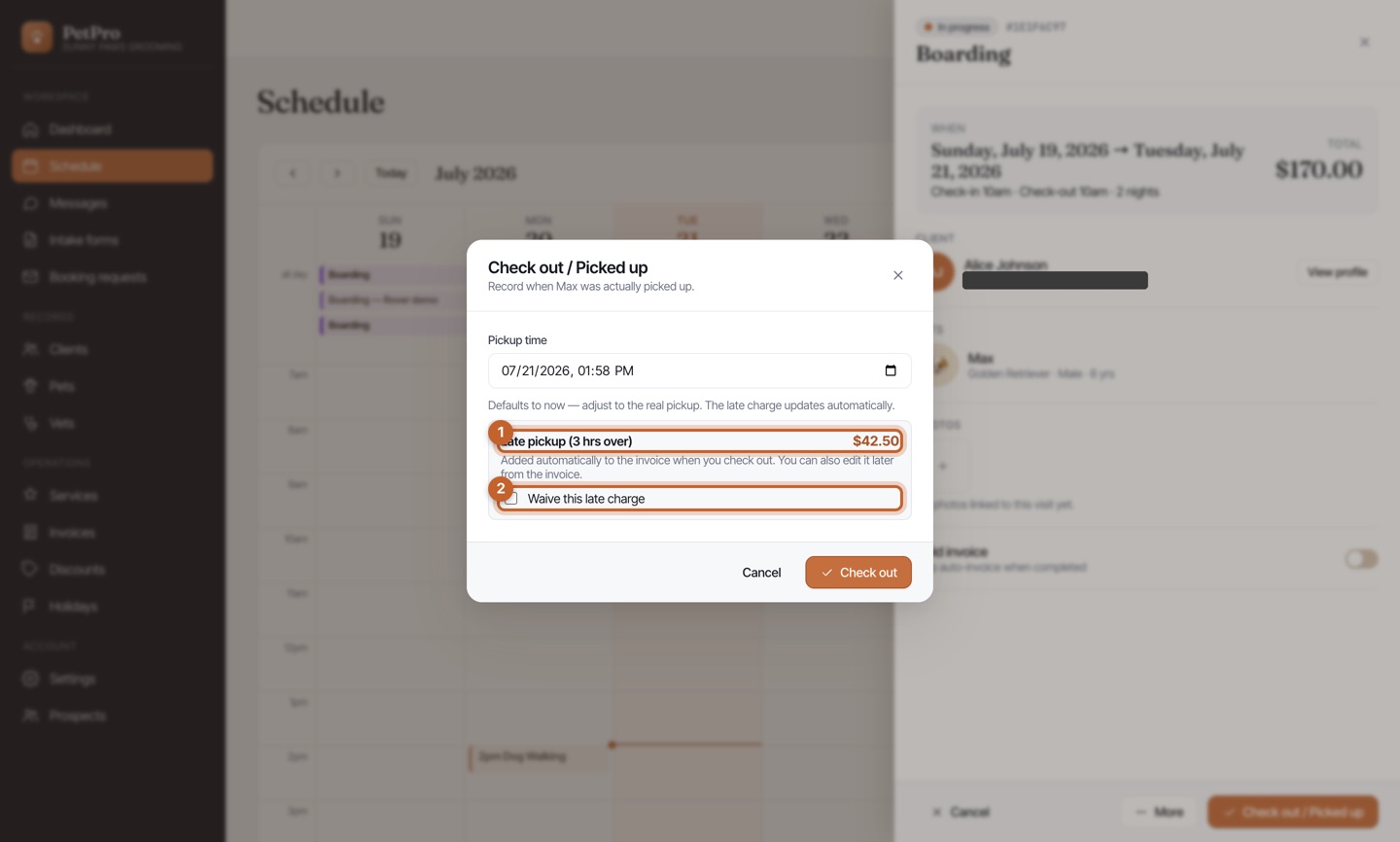
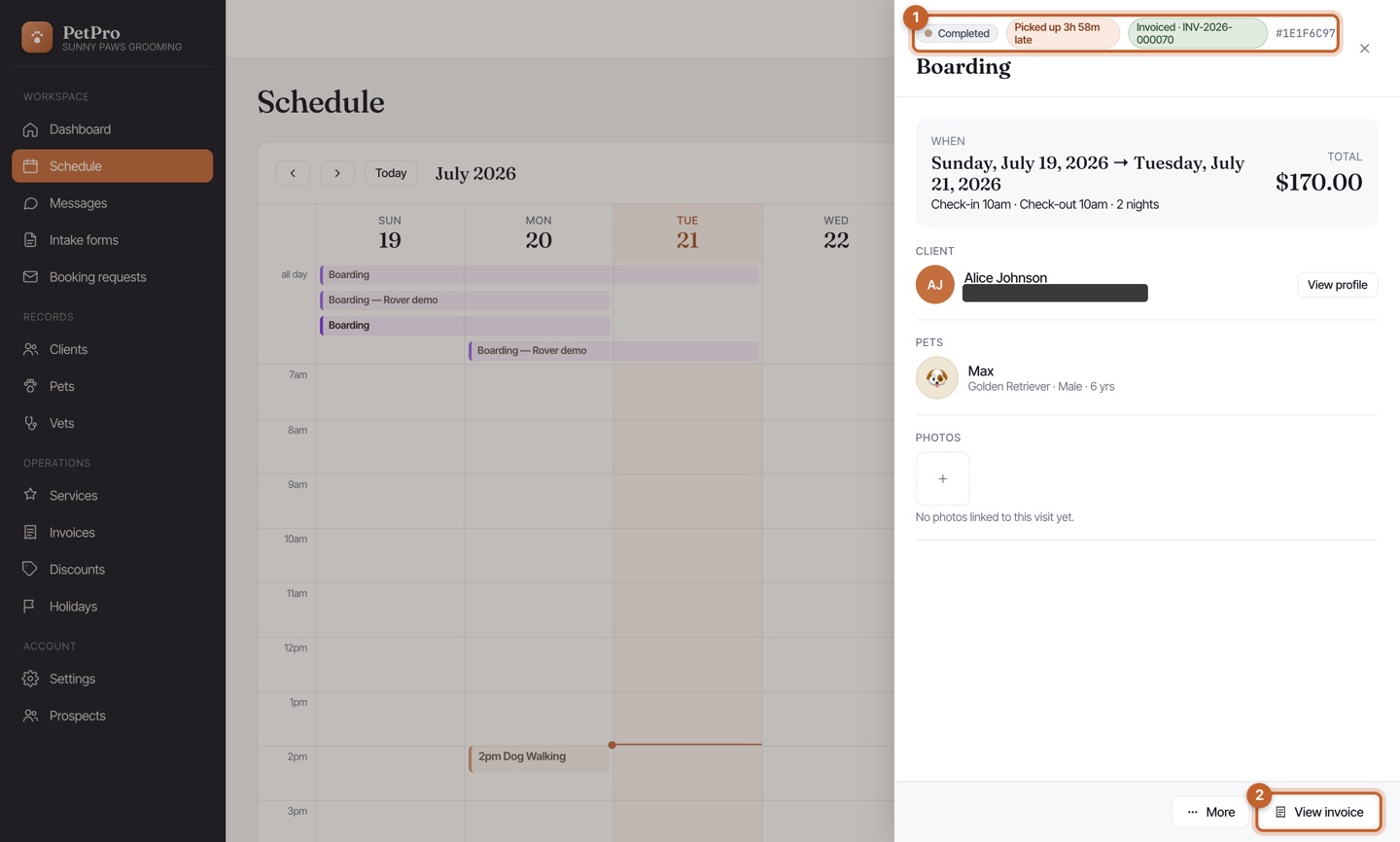
During the stay the booking is In progress. Tap + under Photos to add a snap for the owner. Click Check out / Pickup when they collect the pet.
4
Confirm the pickup time. If it's past the booked window, PetPro shows the late-pickup charge it will add automatically — tick Waive this late charge to skip it — then Check out.