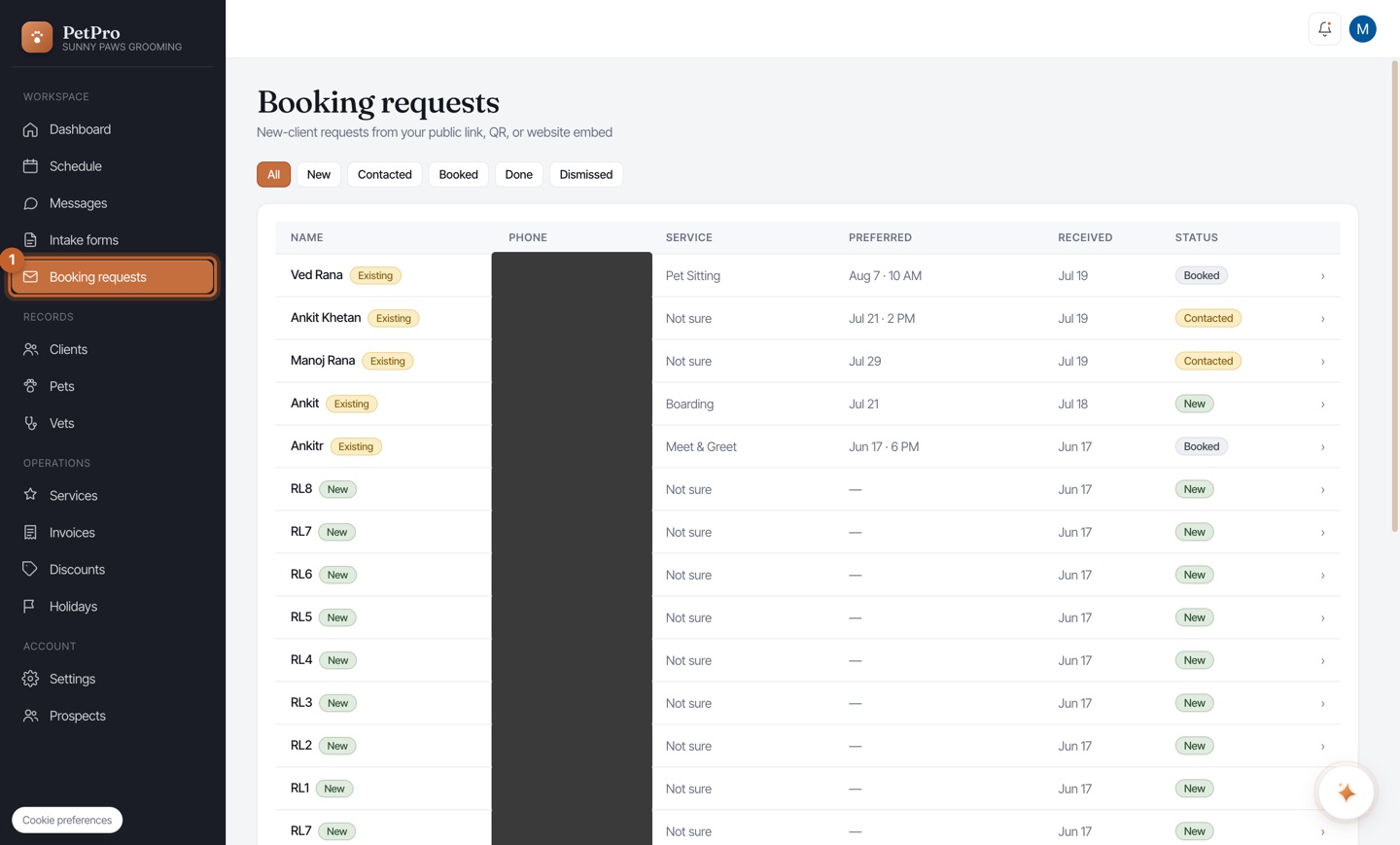
1
Open Booking requests in the sidebar. Every request shows the client, phone, service, and preferred time. The tabs — New / Contacted / Booked / Done / Dismissed — let you filter by where each one is in your pipeline.
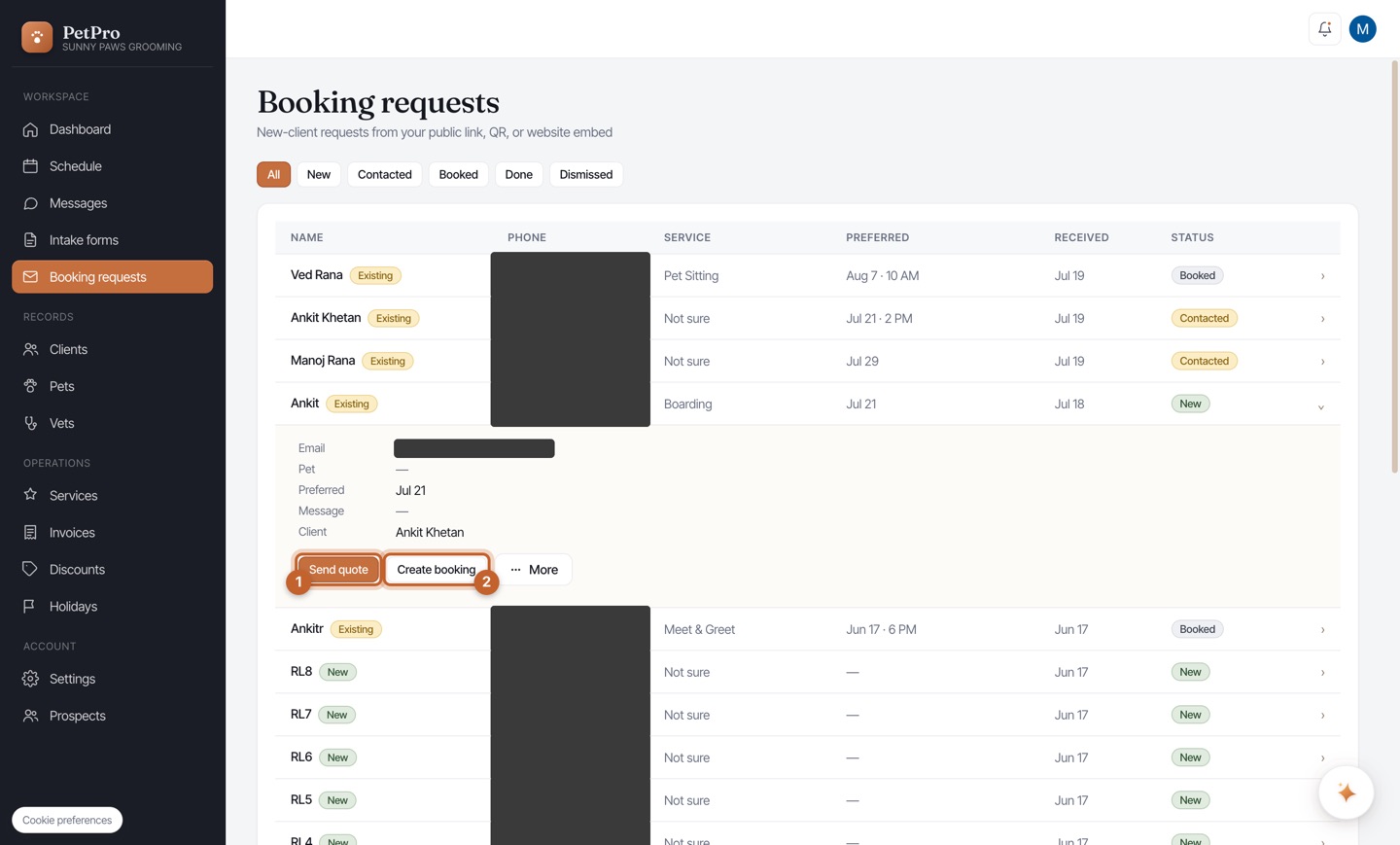
2
Click a request to expand it and see their details and message. Then choose an action: Send quote (agree a price first), Create booking (turn it straight into an appointment), or More to contact or dismiss it. The client is notified automatically at each step.