PetPro · Help Open the app ↗
Getting started · Guide 1

Get started: set up your business

Fill in your business profile and hours so PetPro is ready to take bookings.

For
New pros
Time
~3 min
Before you start
Right after sign-up
  1. 1

    Open Settings in the sidebar, under Account — it opens on Company profile.
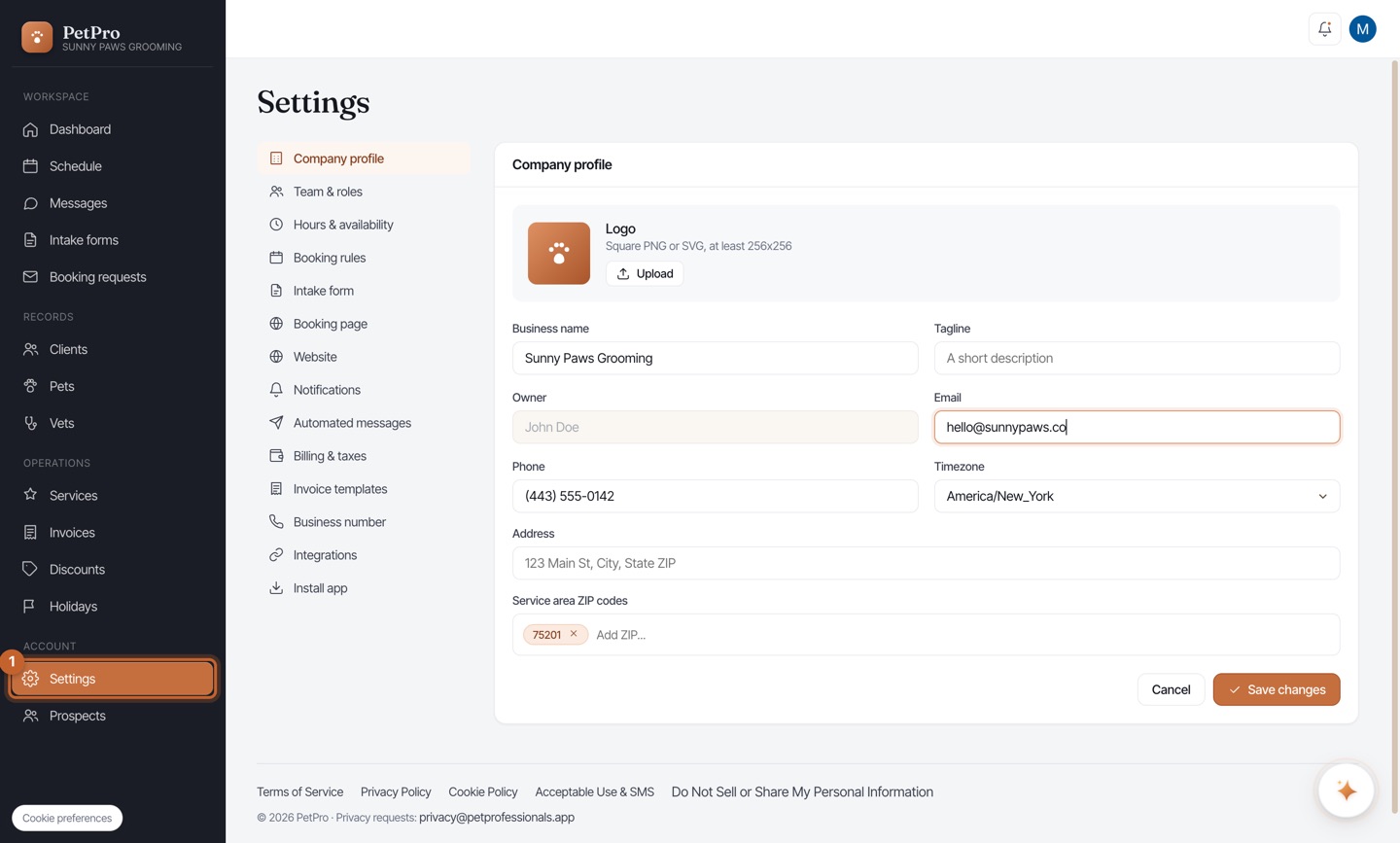
    Get started: set up your business — step 1
  2. 2

    Enter your Business name and an optional Tagline. This is what clients see everywhere.
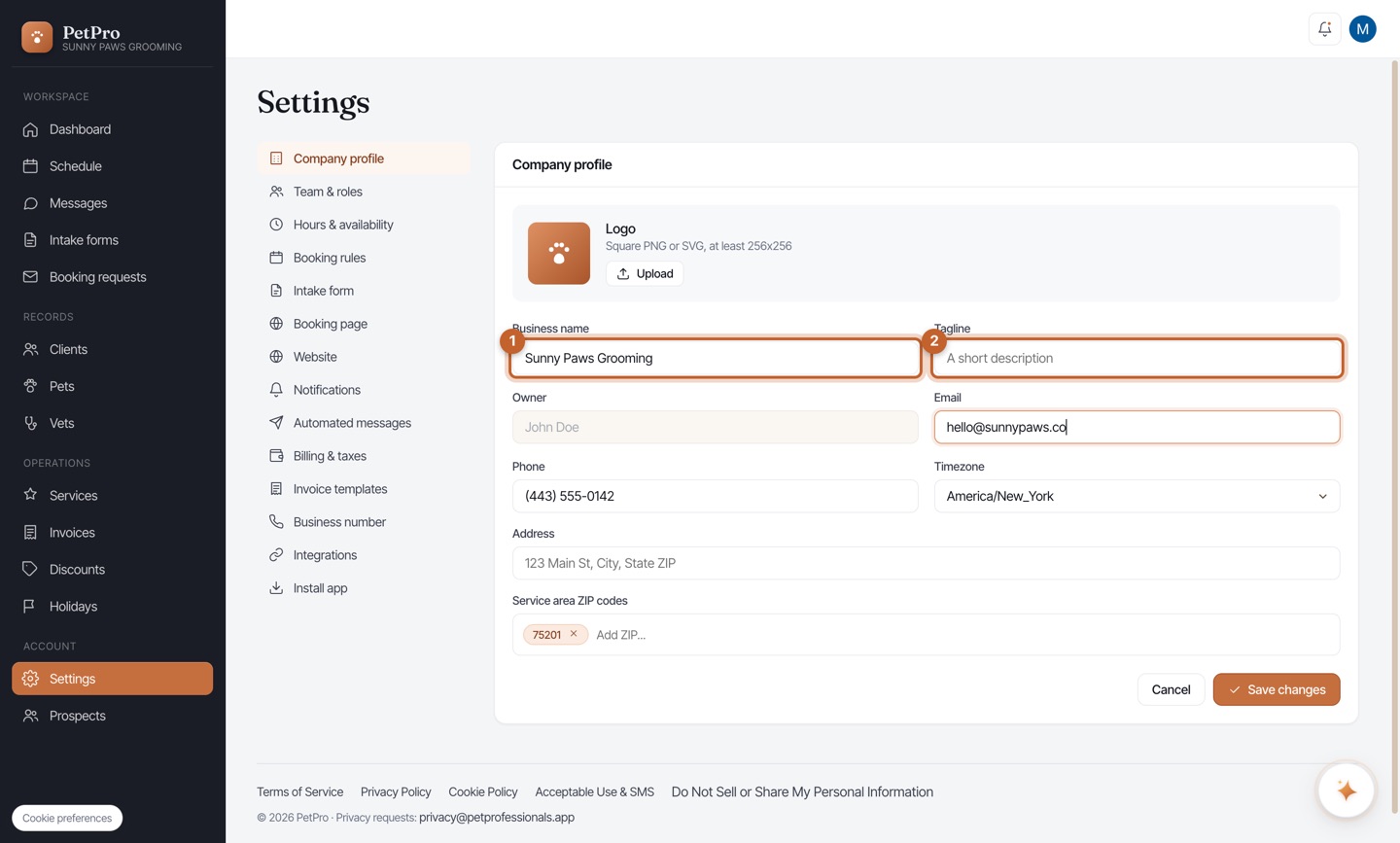
    Get started: set up your business — step 2
  3. 3

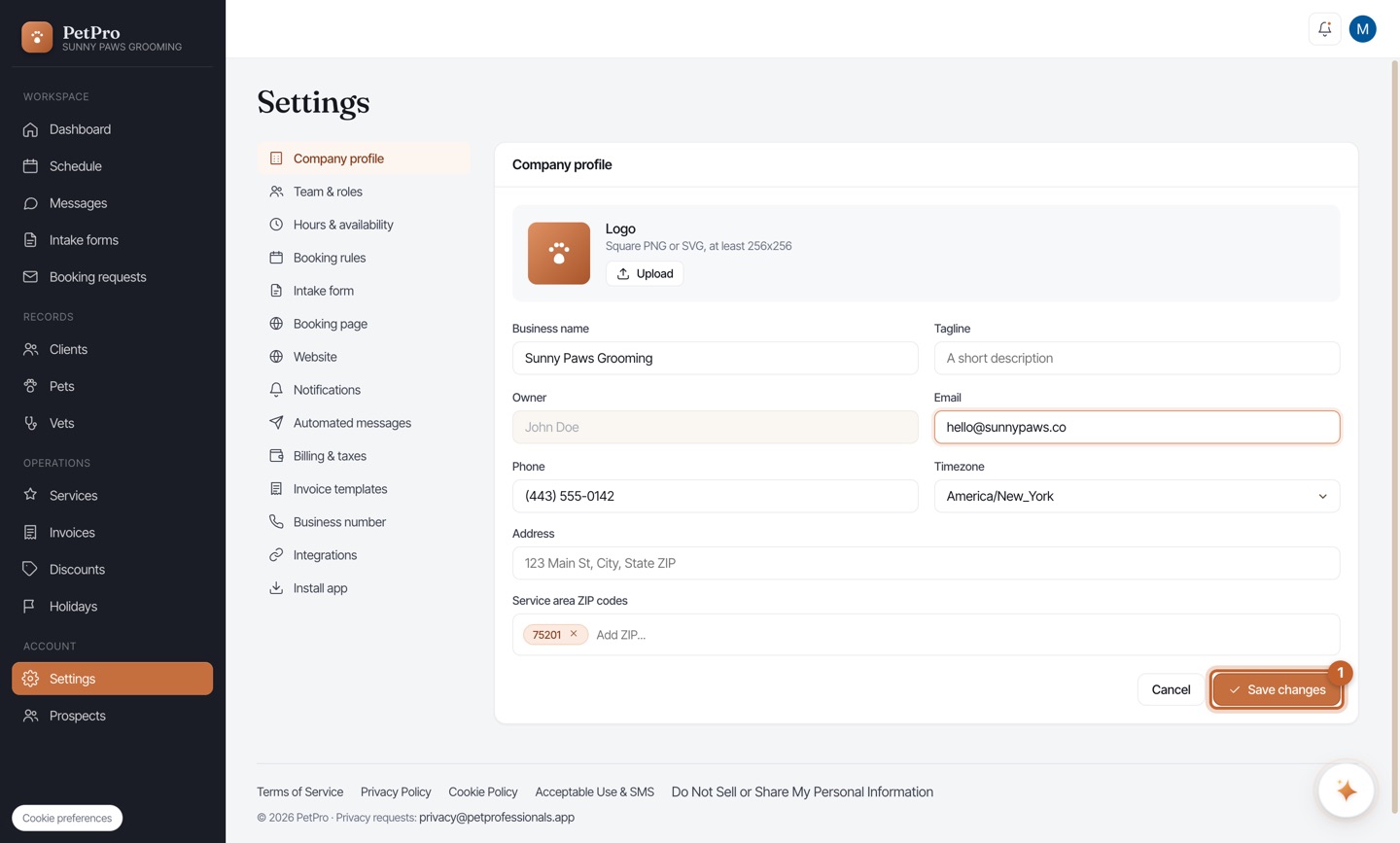
    Add the Email and Phone clients reach you at, and pick your Timezone.
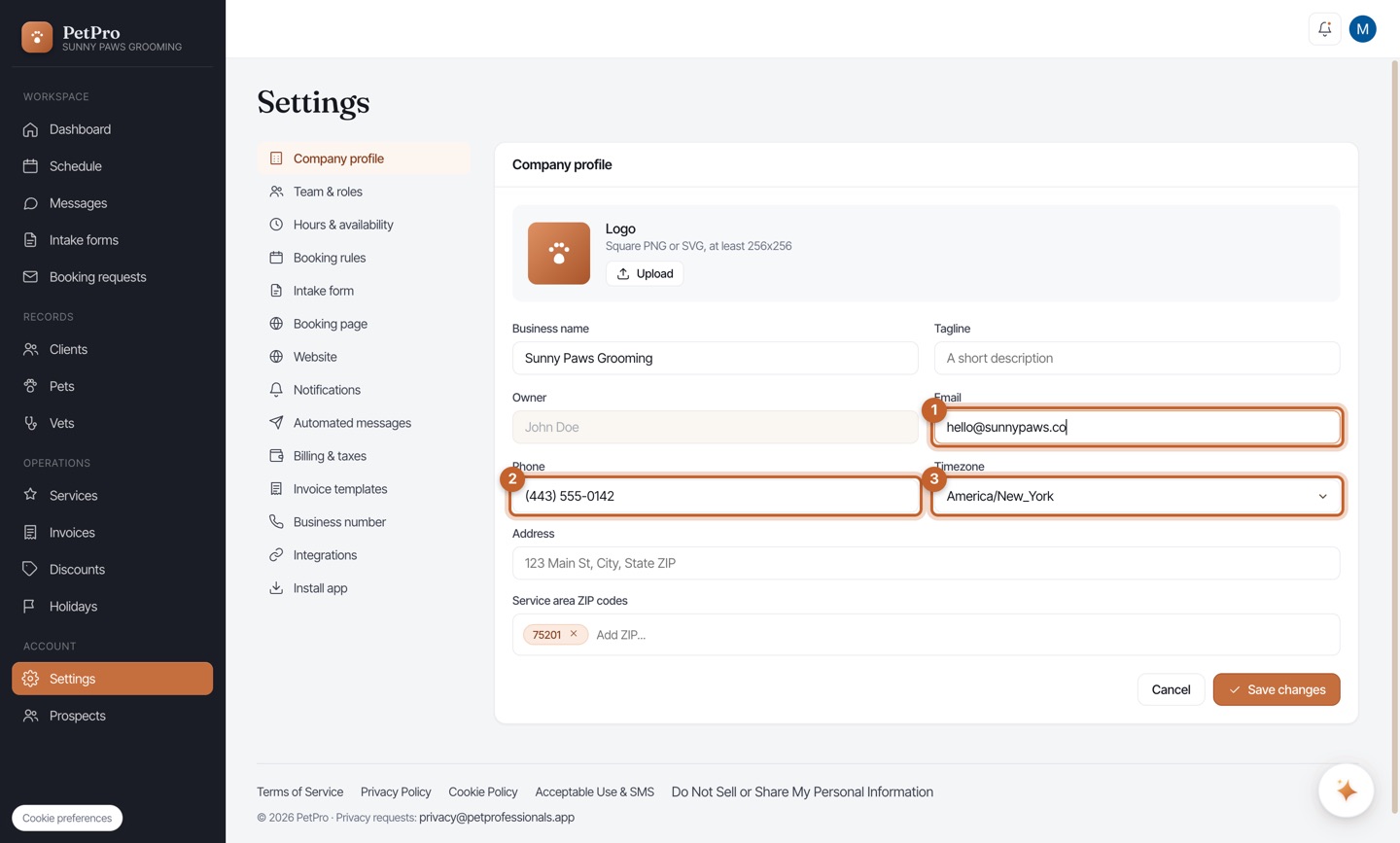
    Get started: set up your business — step 3
  4. 4

    Click Save changes.

    Get started: set up your business — step 4
  5. 5

    Open the Hours & availability tab.
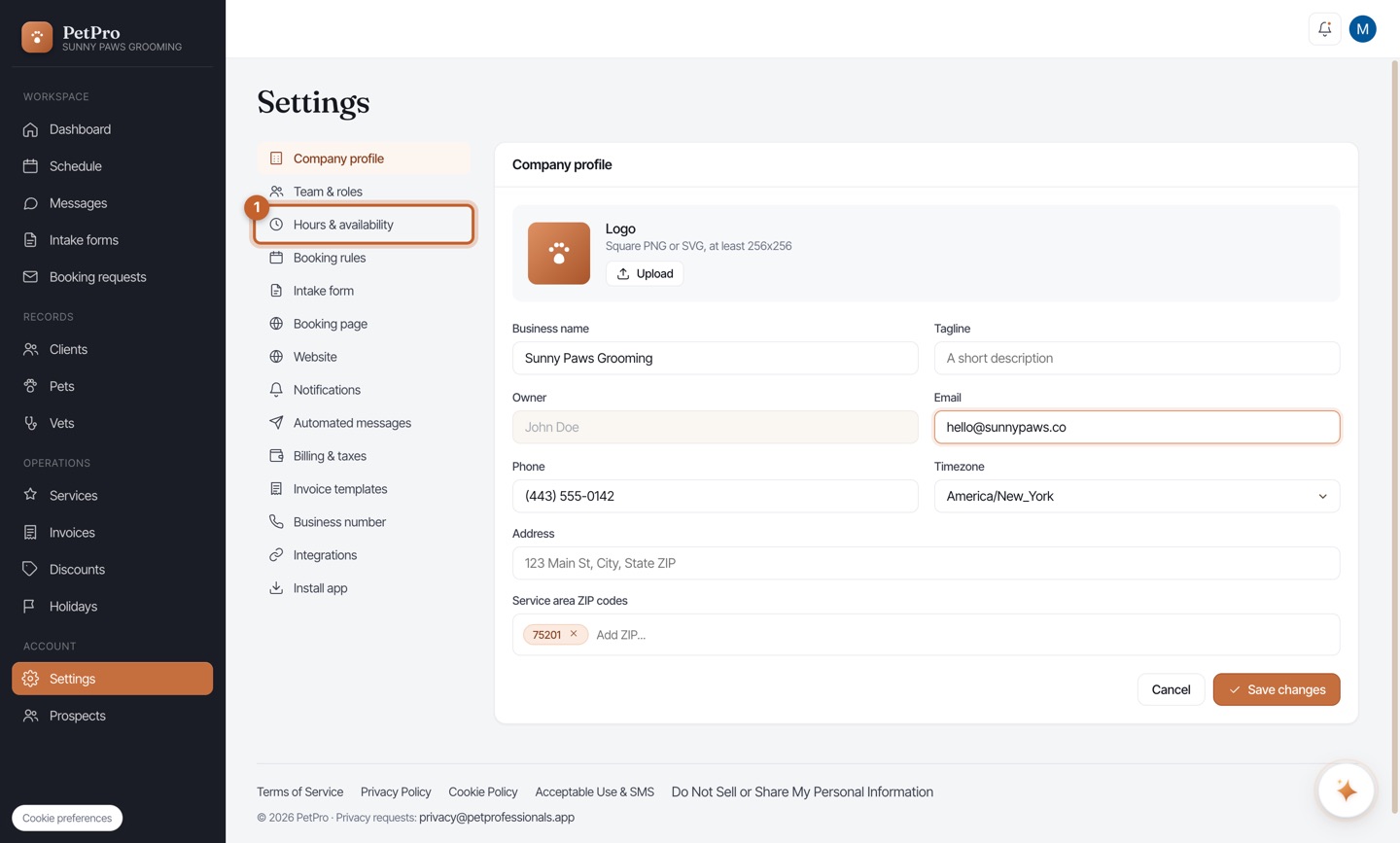
    Get started: set up your business — step 5
  6. 6

    Mark each day open or closed and set your hours — these control when clients can book.
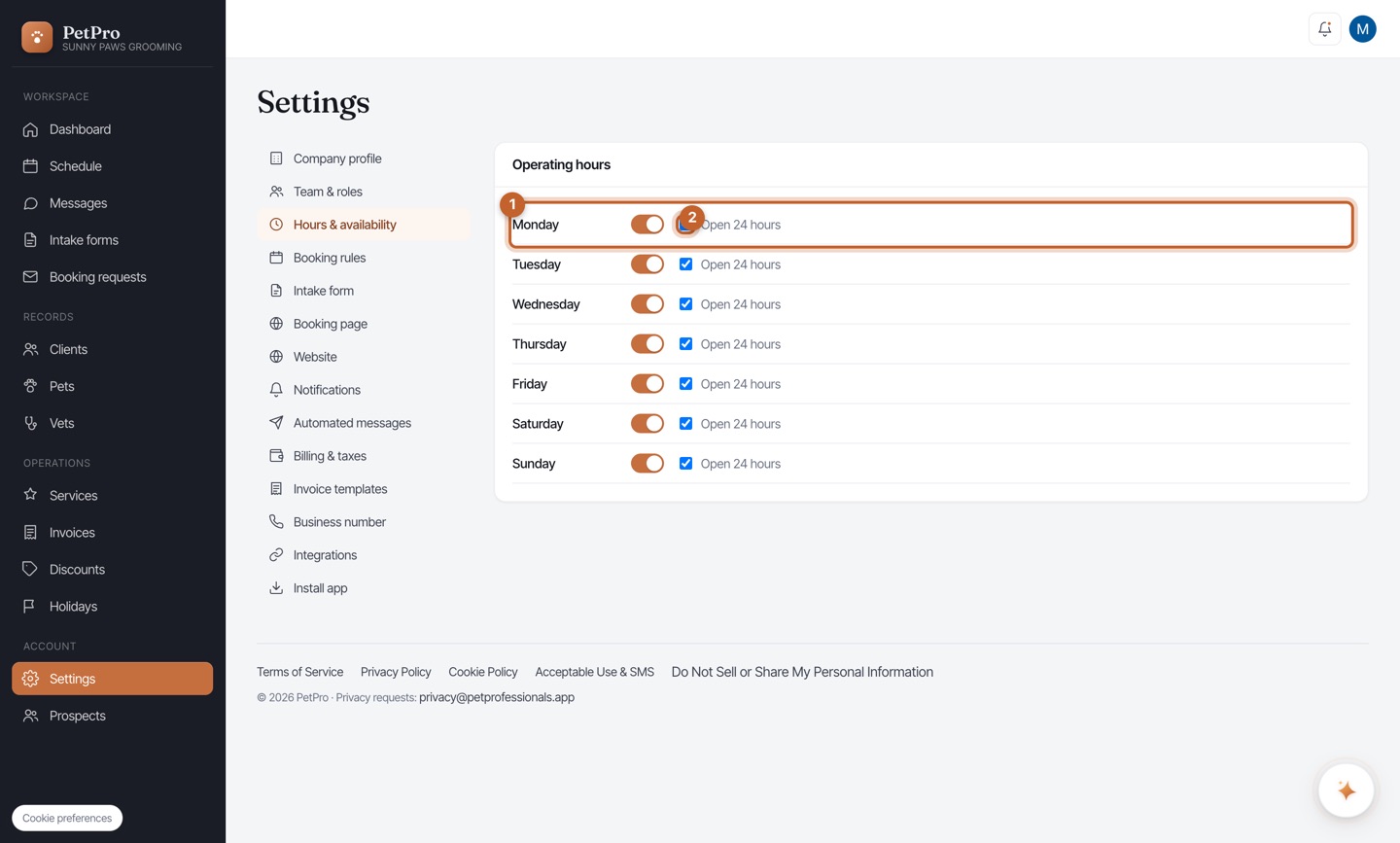
    Get started: set up your business — step 6
You're done

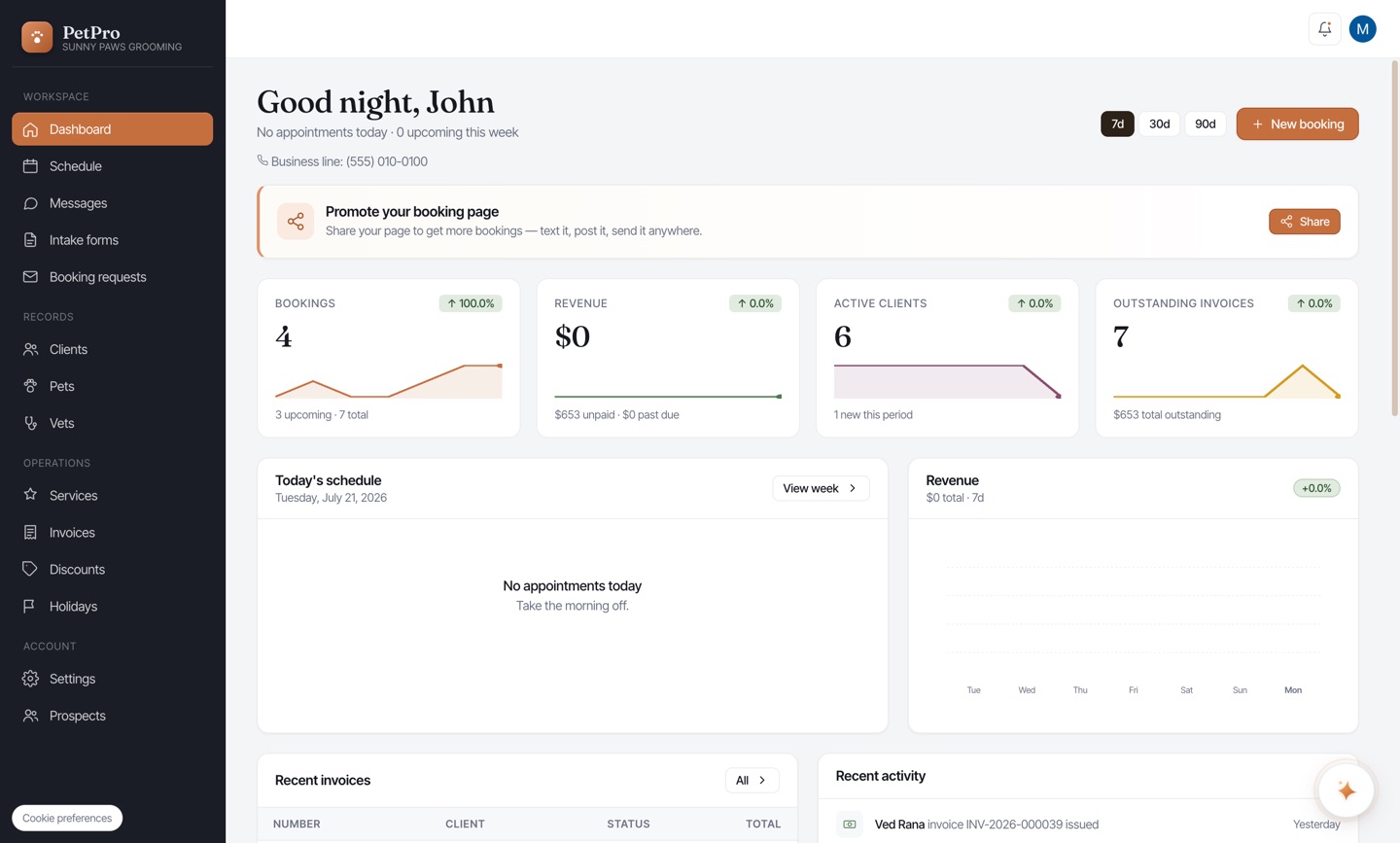
Your Dashboard shows your business name and line, ready to take its first booking.

Get started: set up your business — result