PetPro · Help Open the app ↗
Getting started · Guide 2

Add your services & pricing

Create a service clients can book, and set how you charge for it.

For
Every pro
Time
~2 min / service
Before you start
After Get started
  1. 1

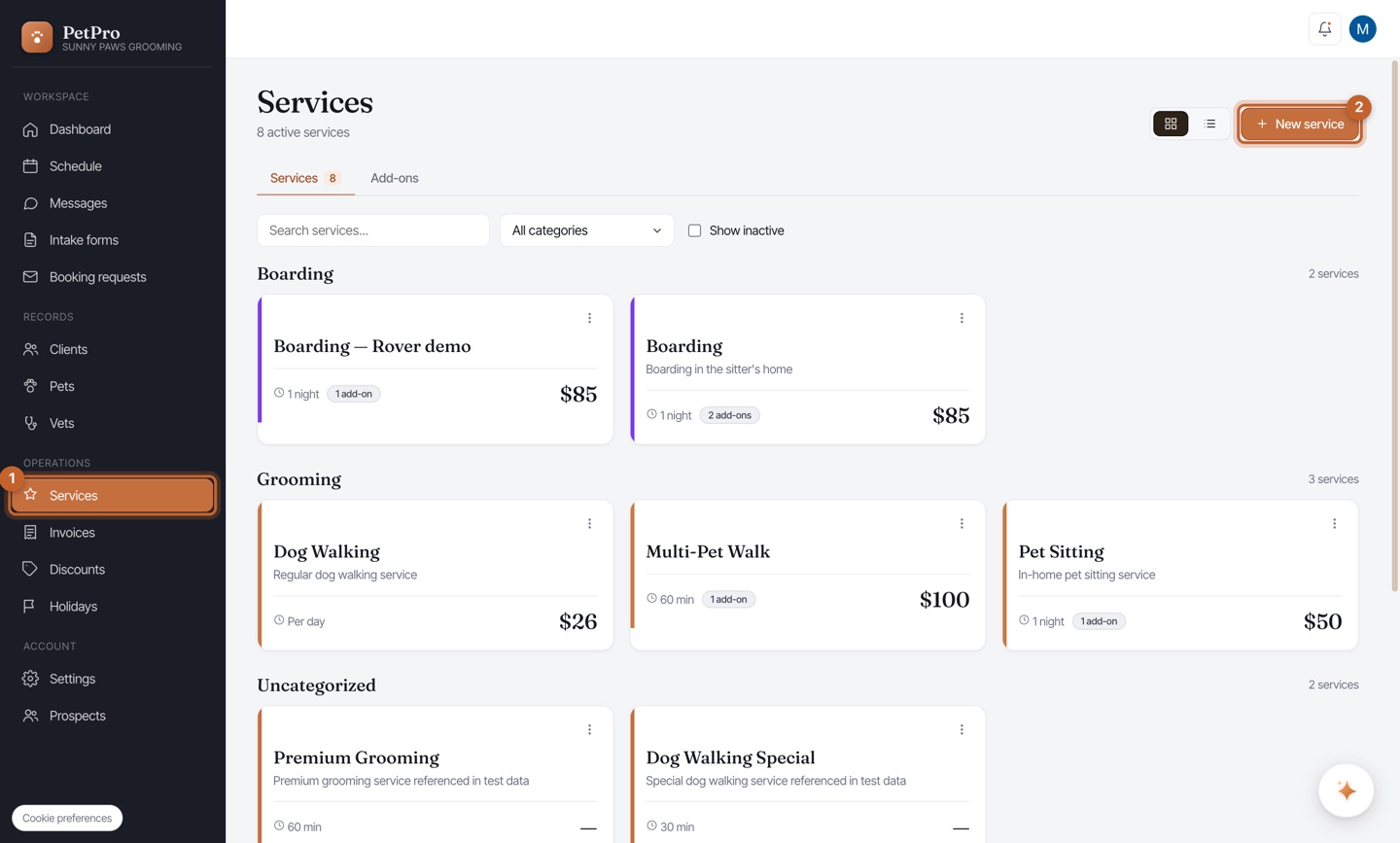
    Open Services and click + New service.
    Add your services & pricing — step 1
  2. 2

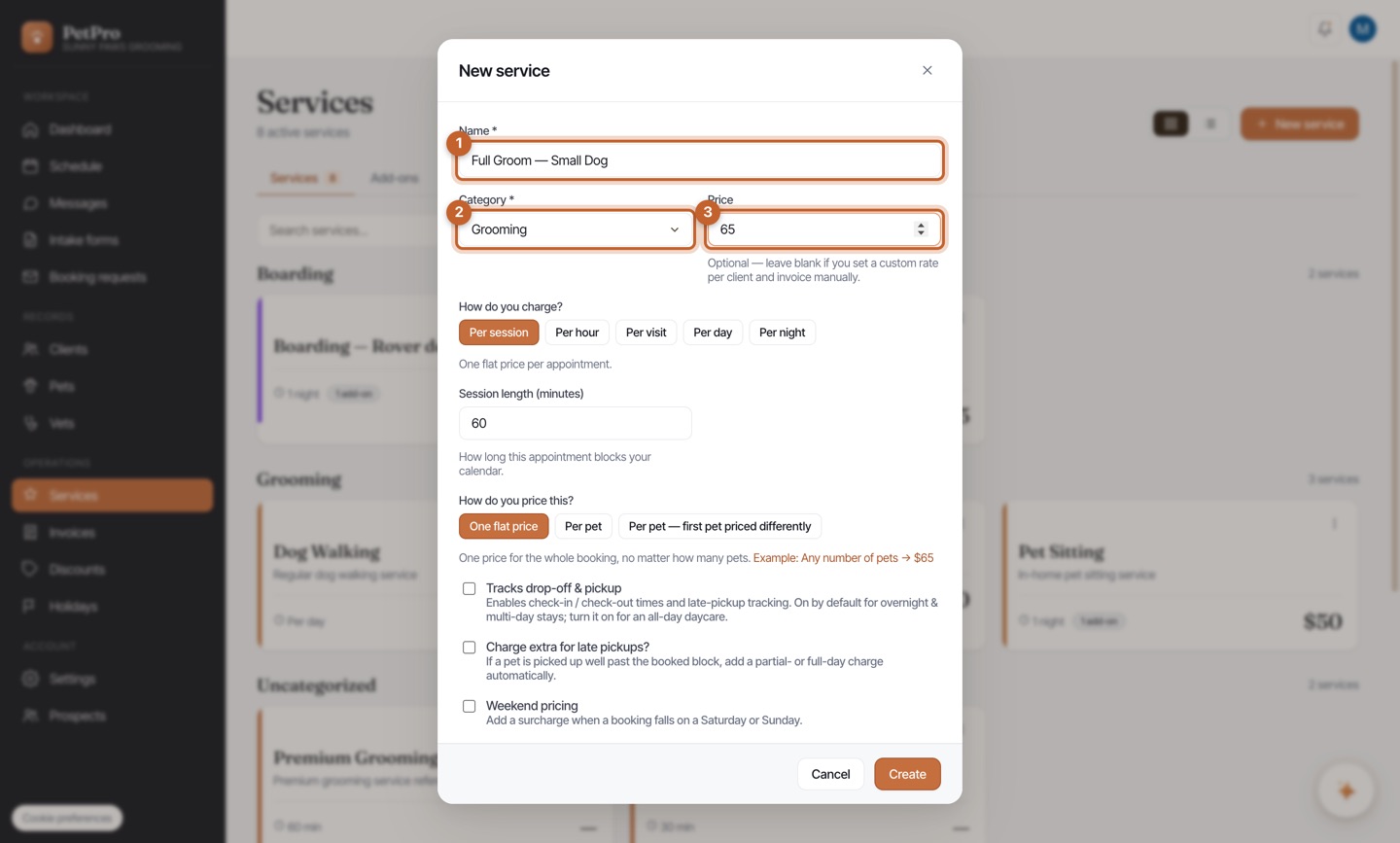
    Give it a Name and Category, and set a Price (leave blank to quote per client).
    Add your services & pricing — step 2
  3. 3

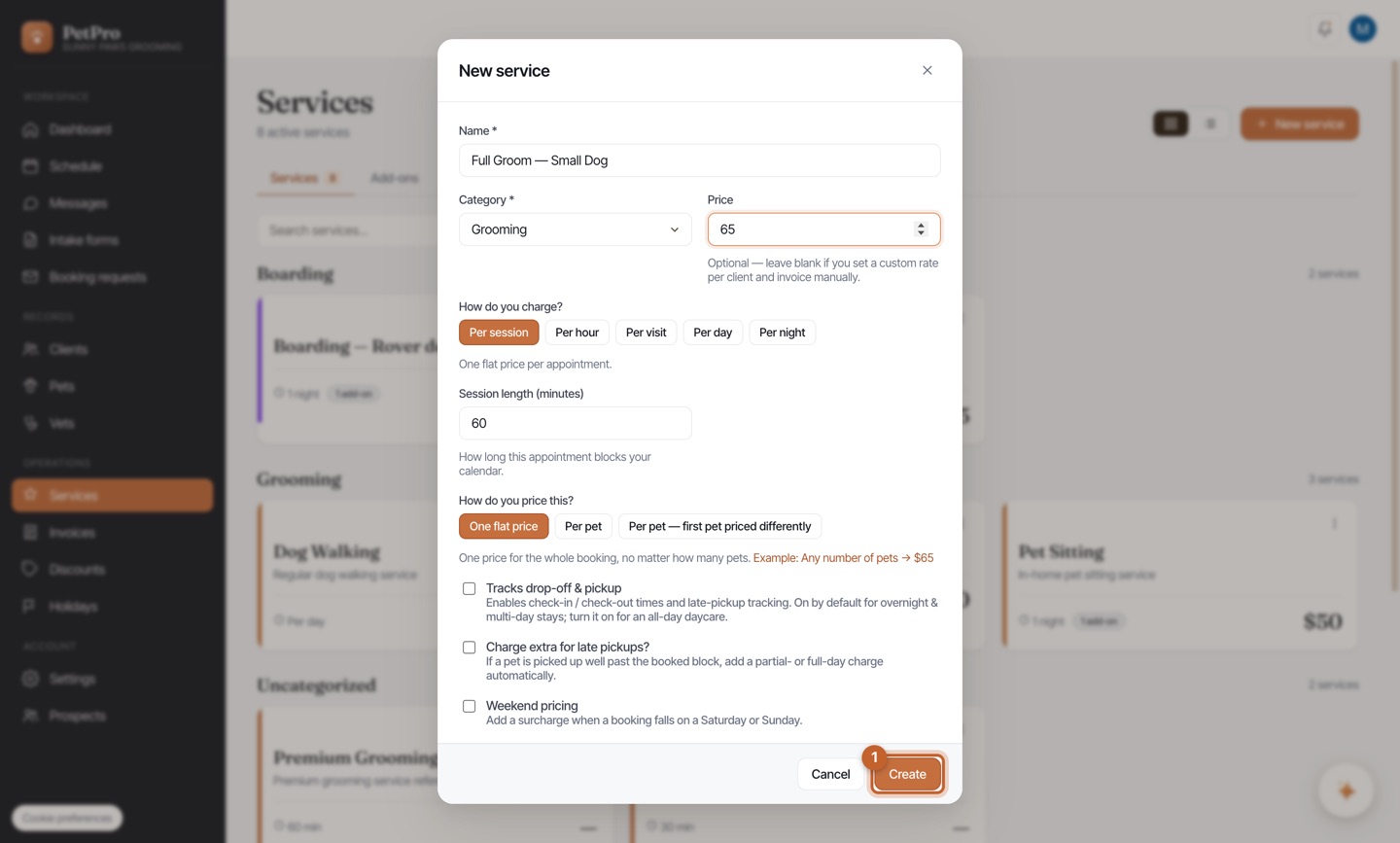
    Choose how you charge — per session, hour, visit, day, or night — plus the session length.
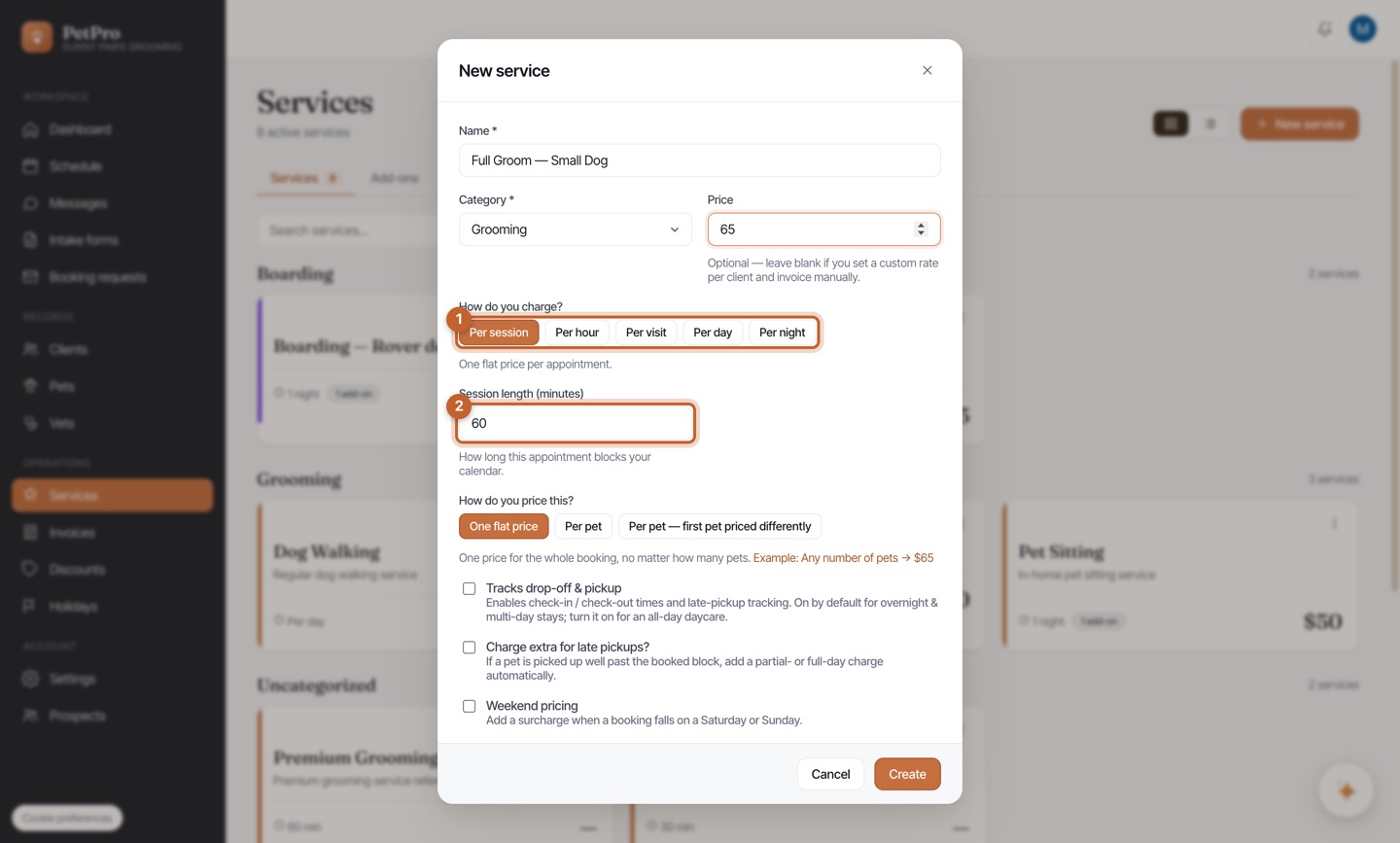
    Add your services & pricing — step 3
  4. 4

    Click Create.

    Add your services & pricing — step 4
You're done

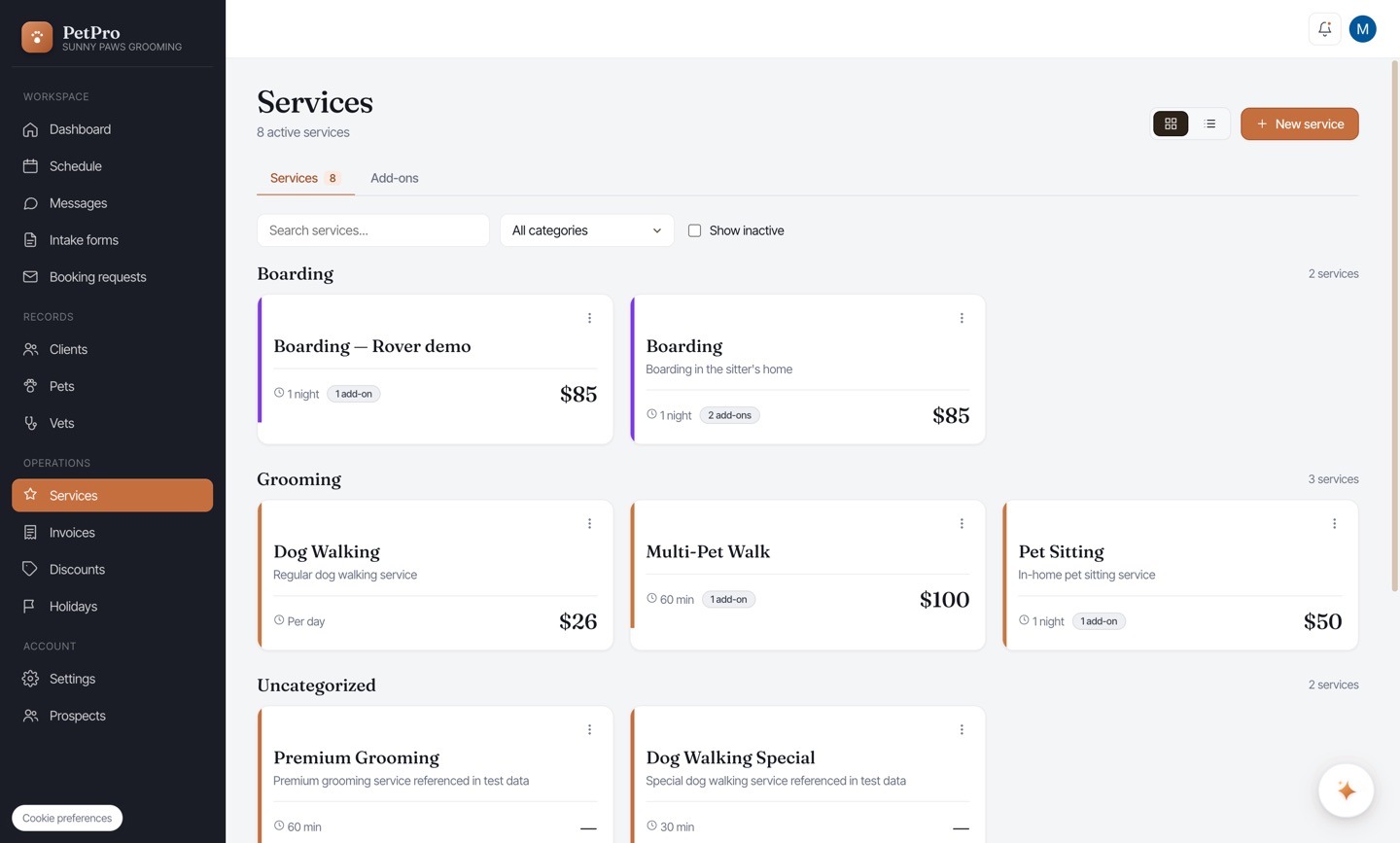
Your service appears on the Services page, grouped by category with its price and unit.

Add your services & pricing — result