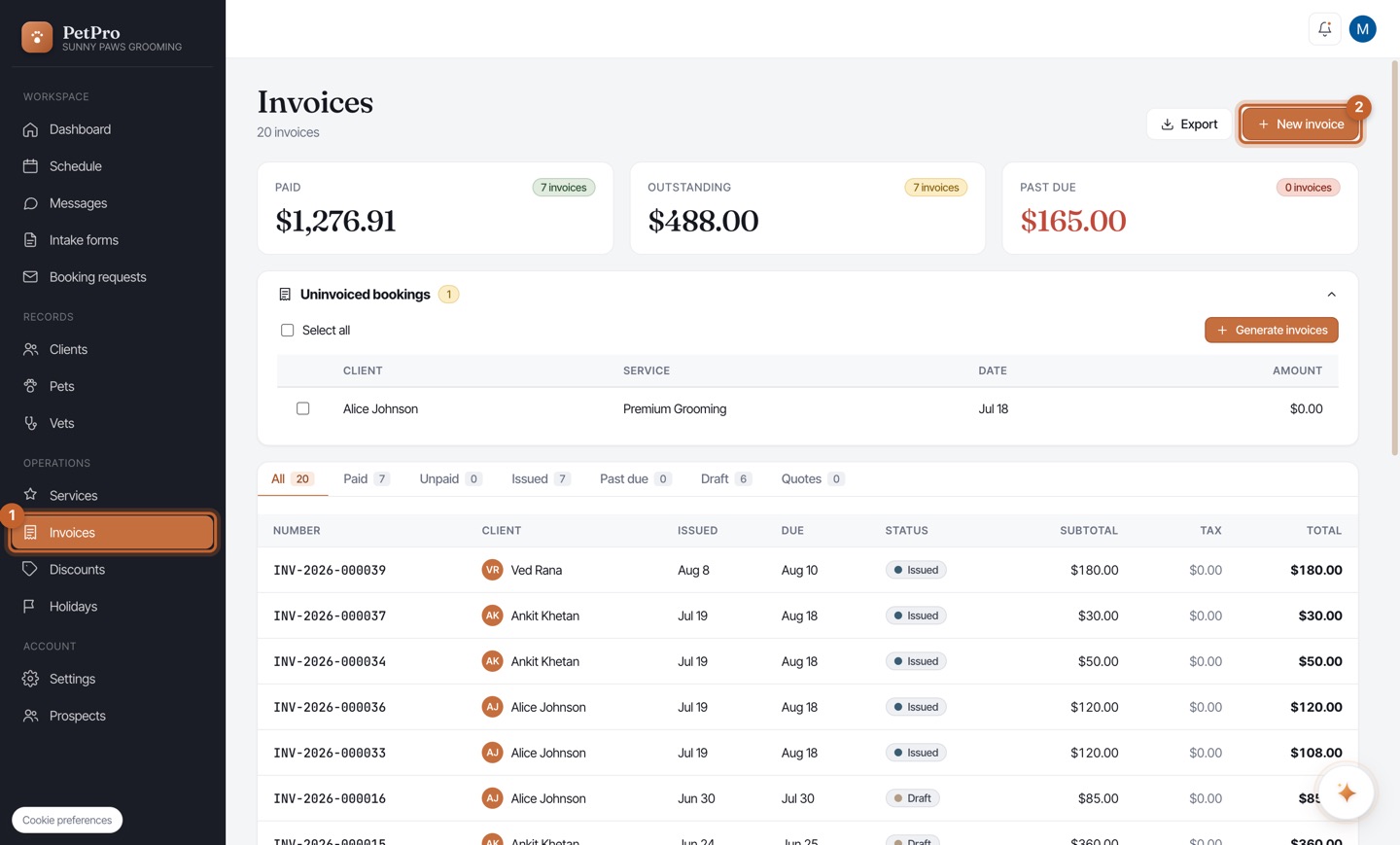
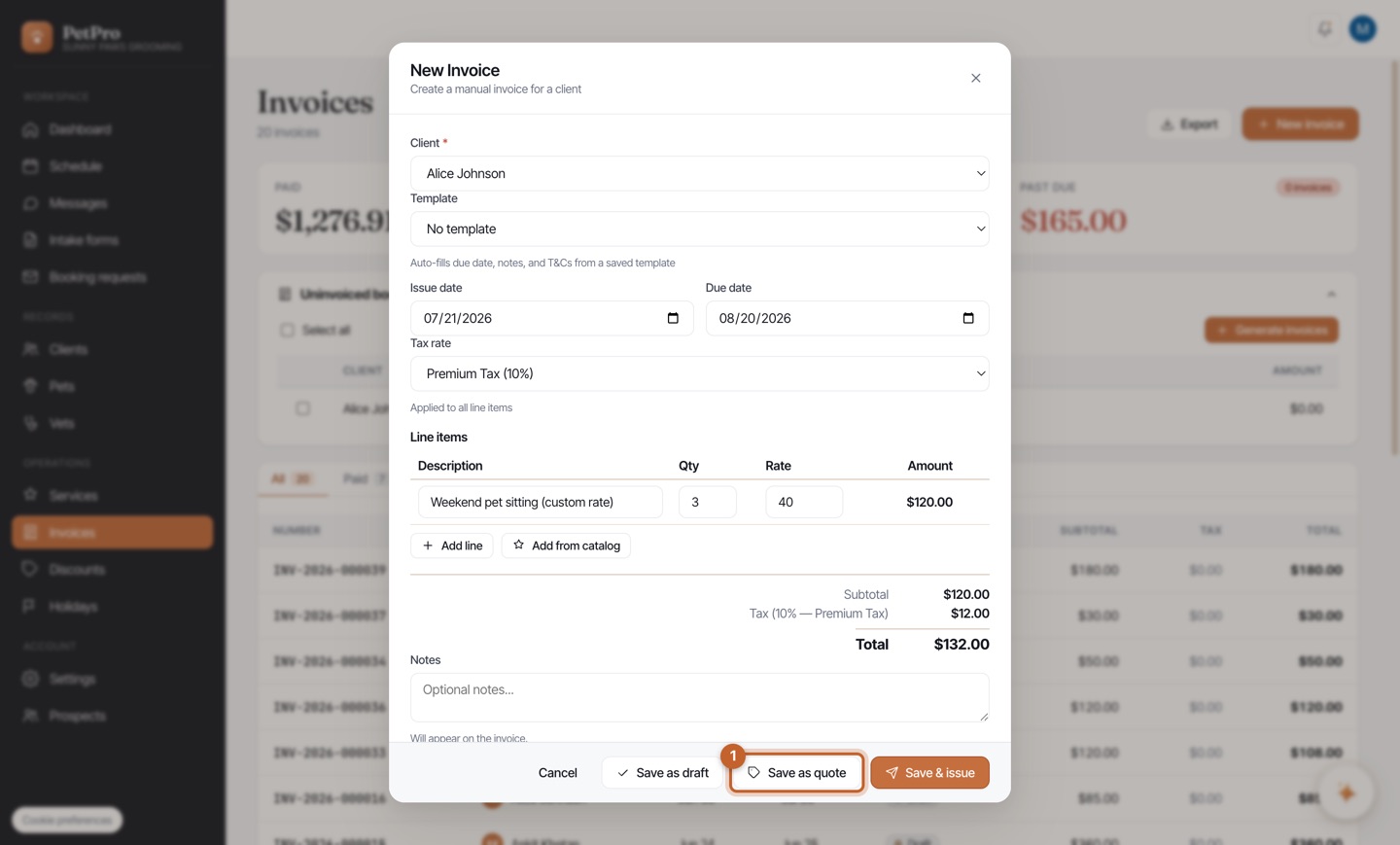
Open Invoices in the sidebar and click + New invoice. Quotes and invoices are built in the same place — the only difference is how you save it at the end.
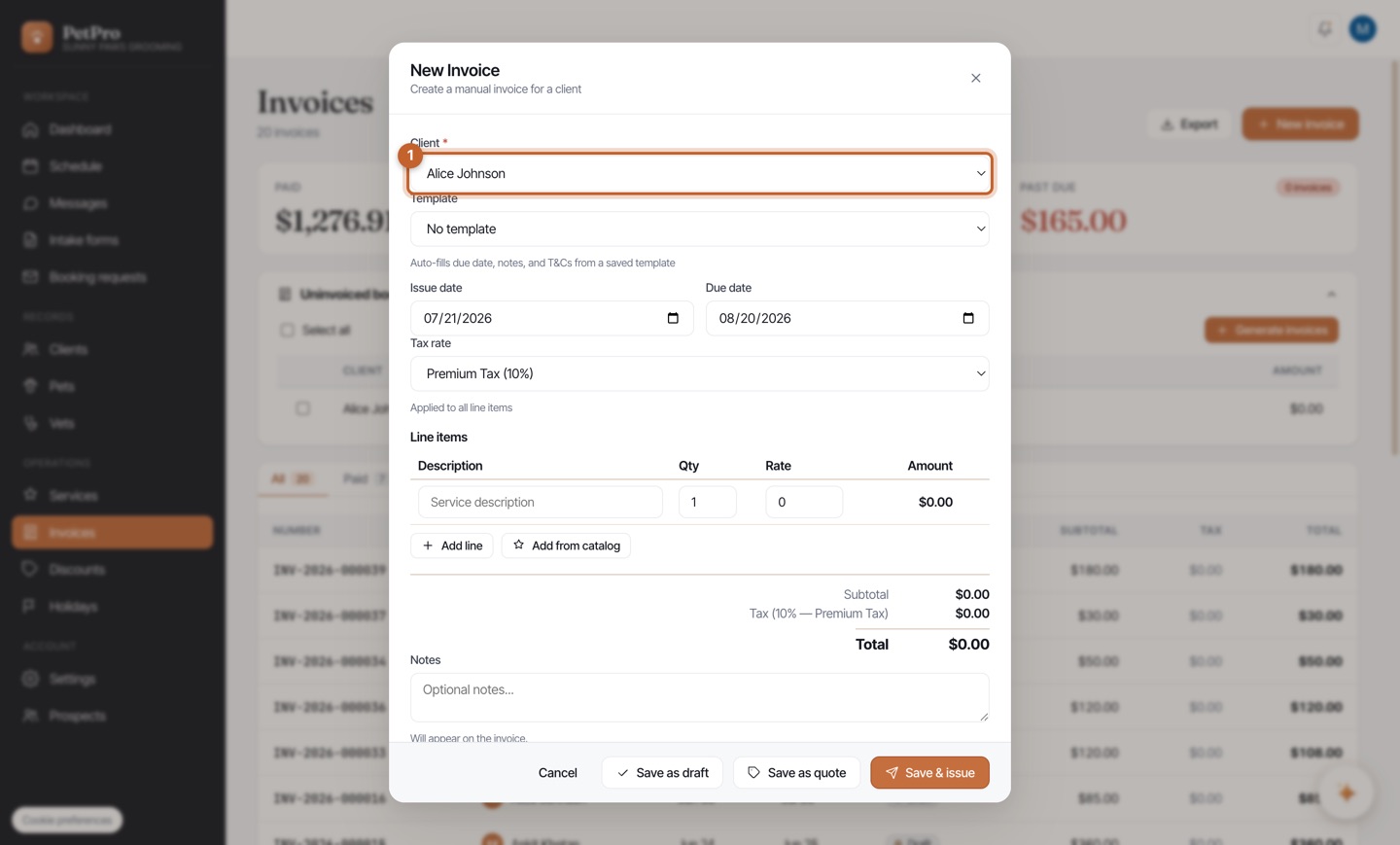
Pick who it's for in the Client dropdown. Their name and email come from their client record and appear on the quote automatically.
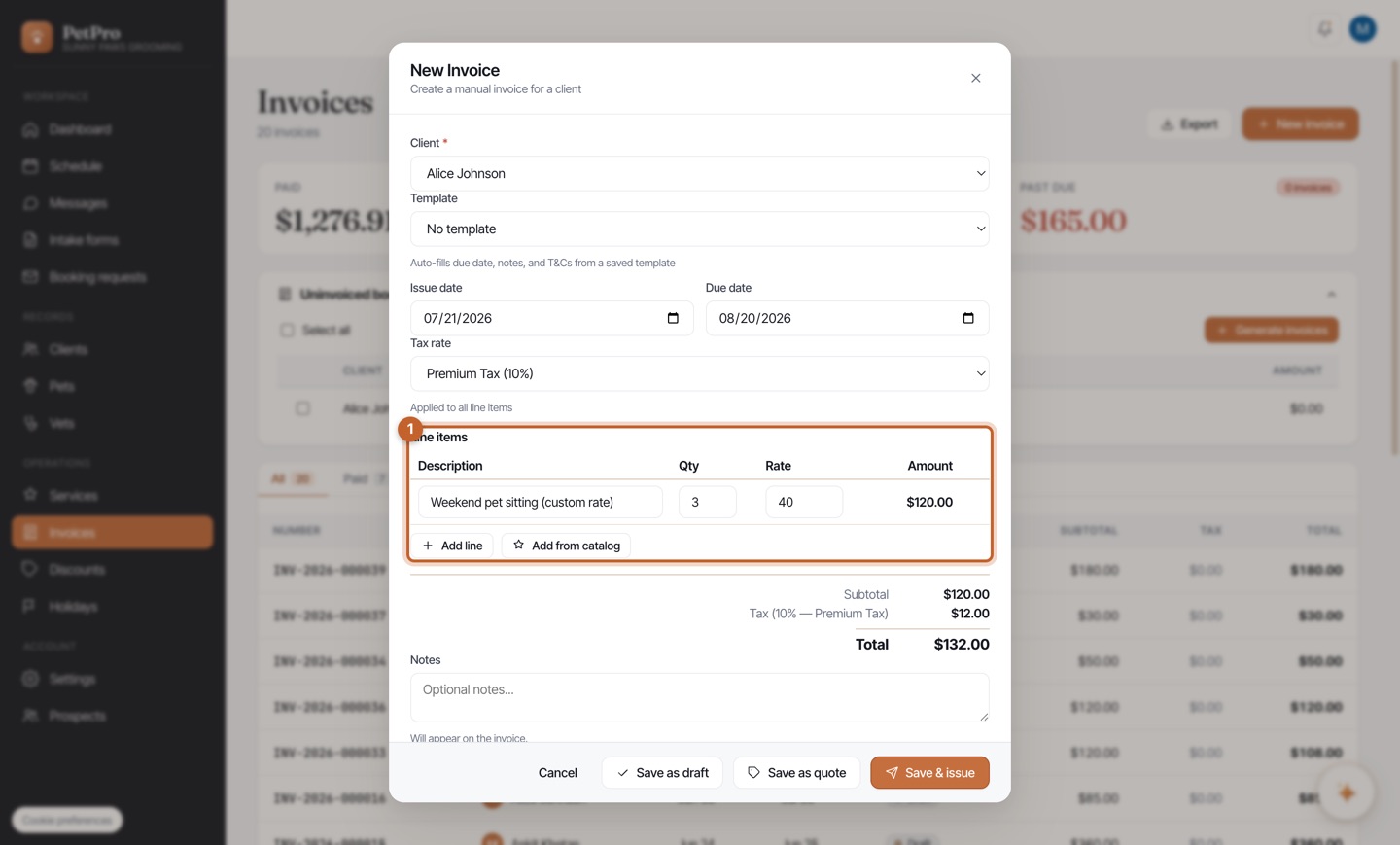
Add a line item for each thing you're charging for — a description, quantity, and rate. The total updates live. Use Add line for more, or Add from catalog to pull in a saved service and its price.
Instead of Save & issue, click Save as quote. This creates something the client can accept — it is not an invoice yet, so it won't count as money owed or show up as outstanding.
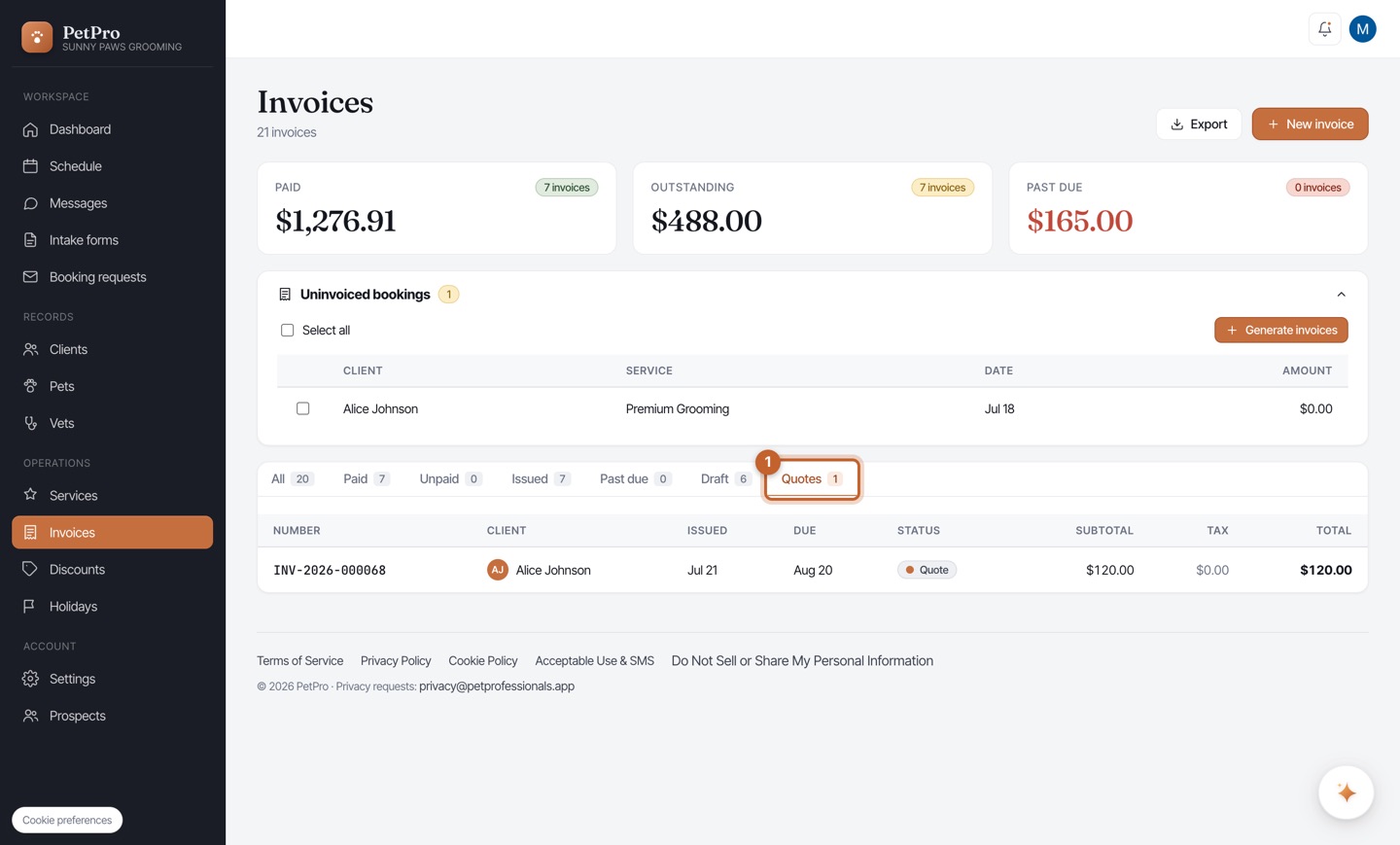
Your quote now lives under the Quotes tab with a Quote status, so you can see at a glance which quotes are still waiting on a client's answer.
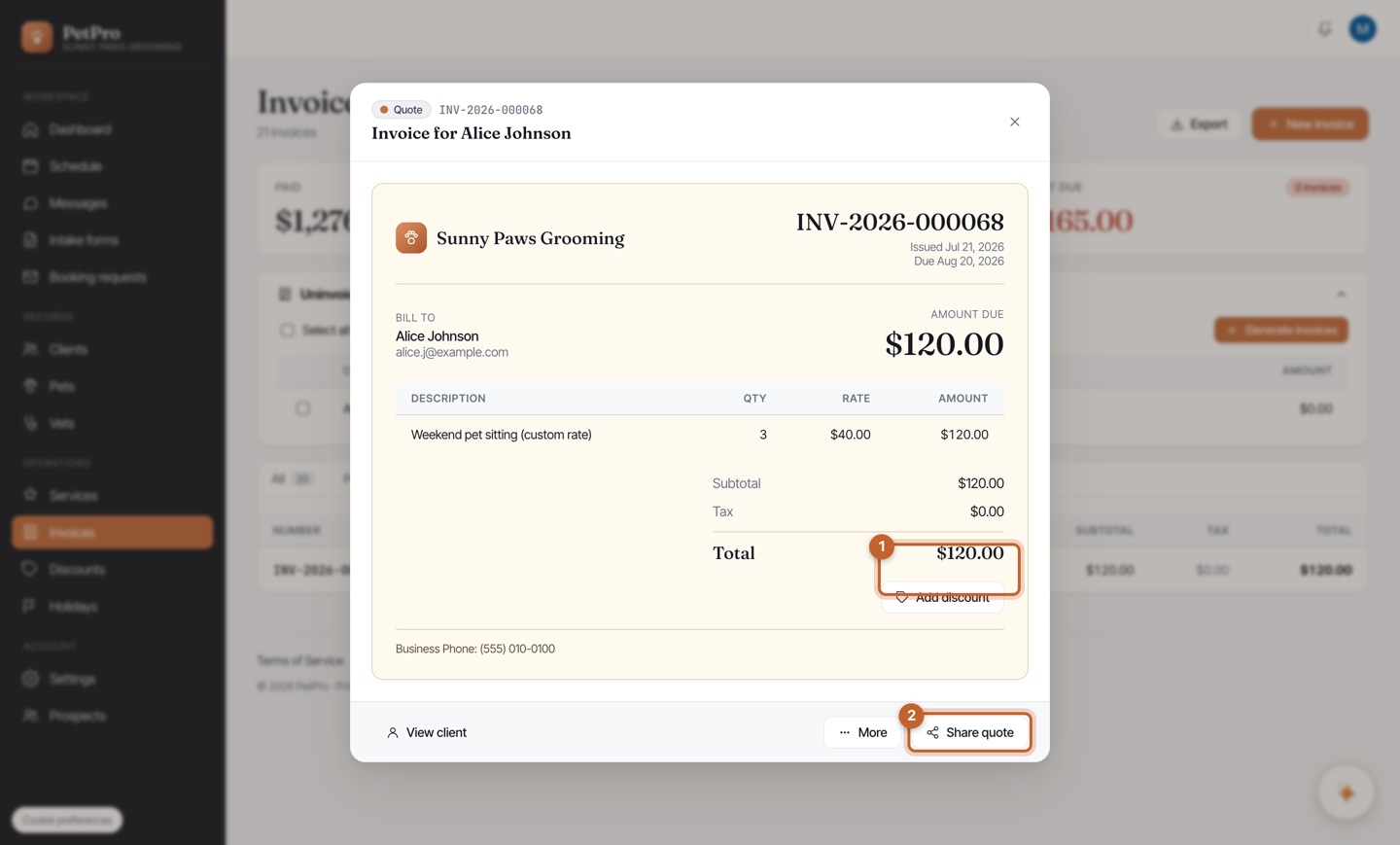
Open the quote and click Share quote to send the client a link. They review the price and accept it on a public page — no login. Once accepted, you finalize it into a booking, and the booking total stays exactly what they agreed to.