PetPro · Help Open the app ↗
Bookings & care · Guide 4

Take a booking

Book a client's pet in for a service — from empty slot to confirmed appointment.

For
Every pro
Time
Under a minute
Before you start
Needs a service + client
  1. 1

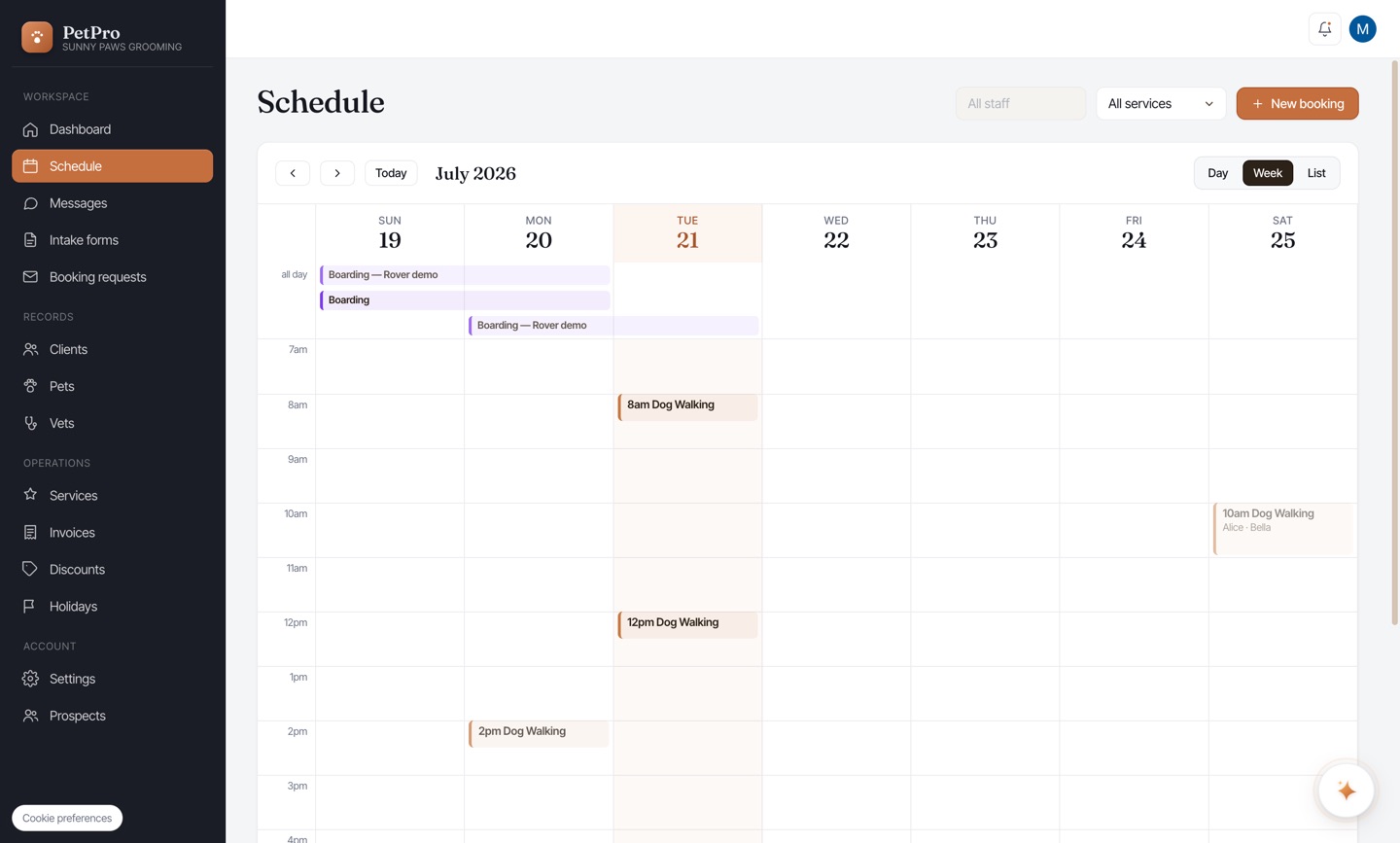
    Open Schedule and click + New booking.
    Take a booking — step 1
  2. 2

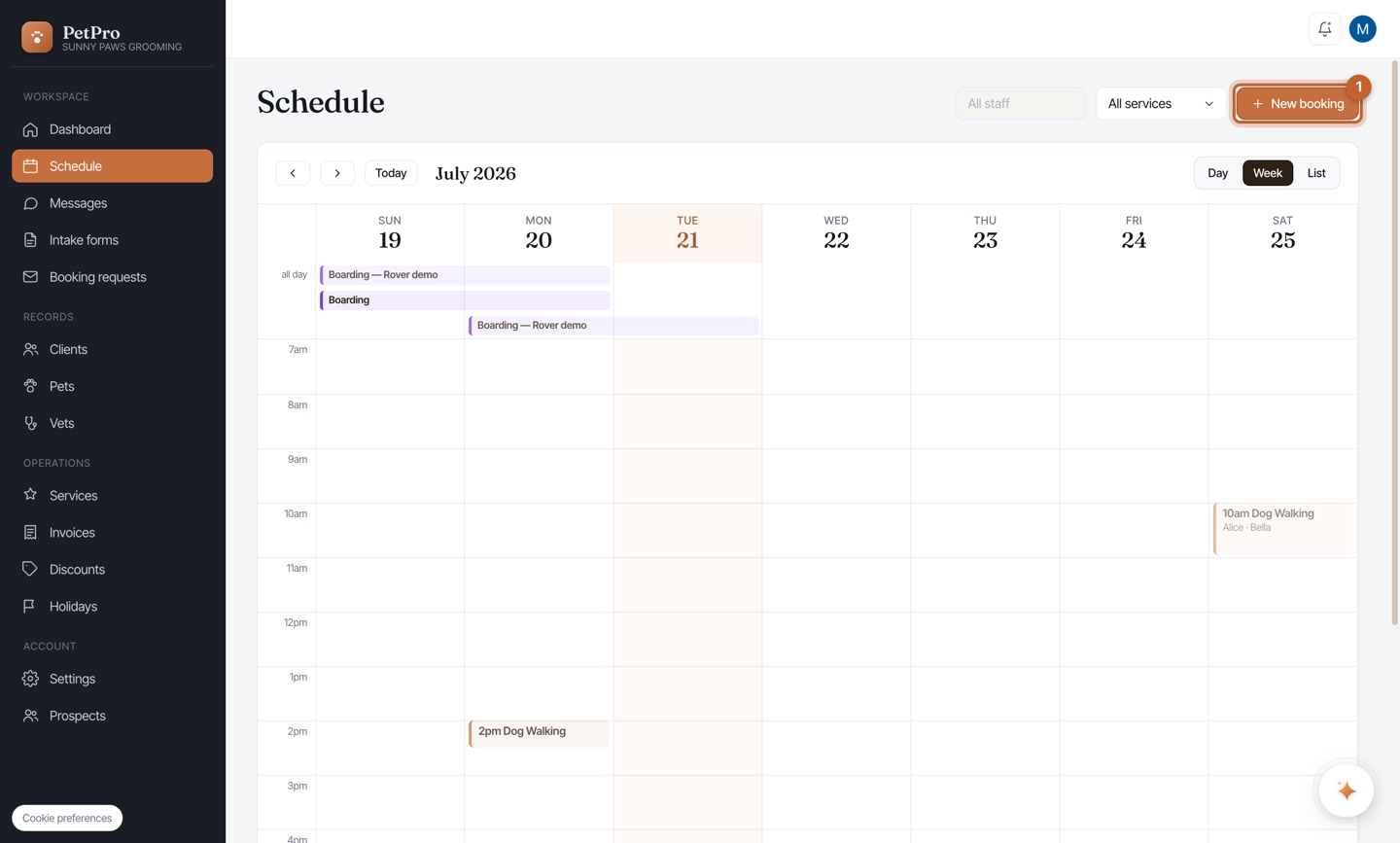
    Client — search by name, email, or phone and select the client.
    Take a booking — step 2
  3. 3

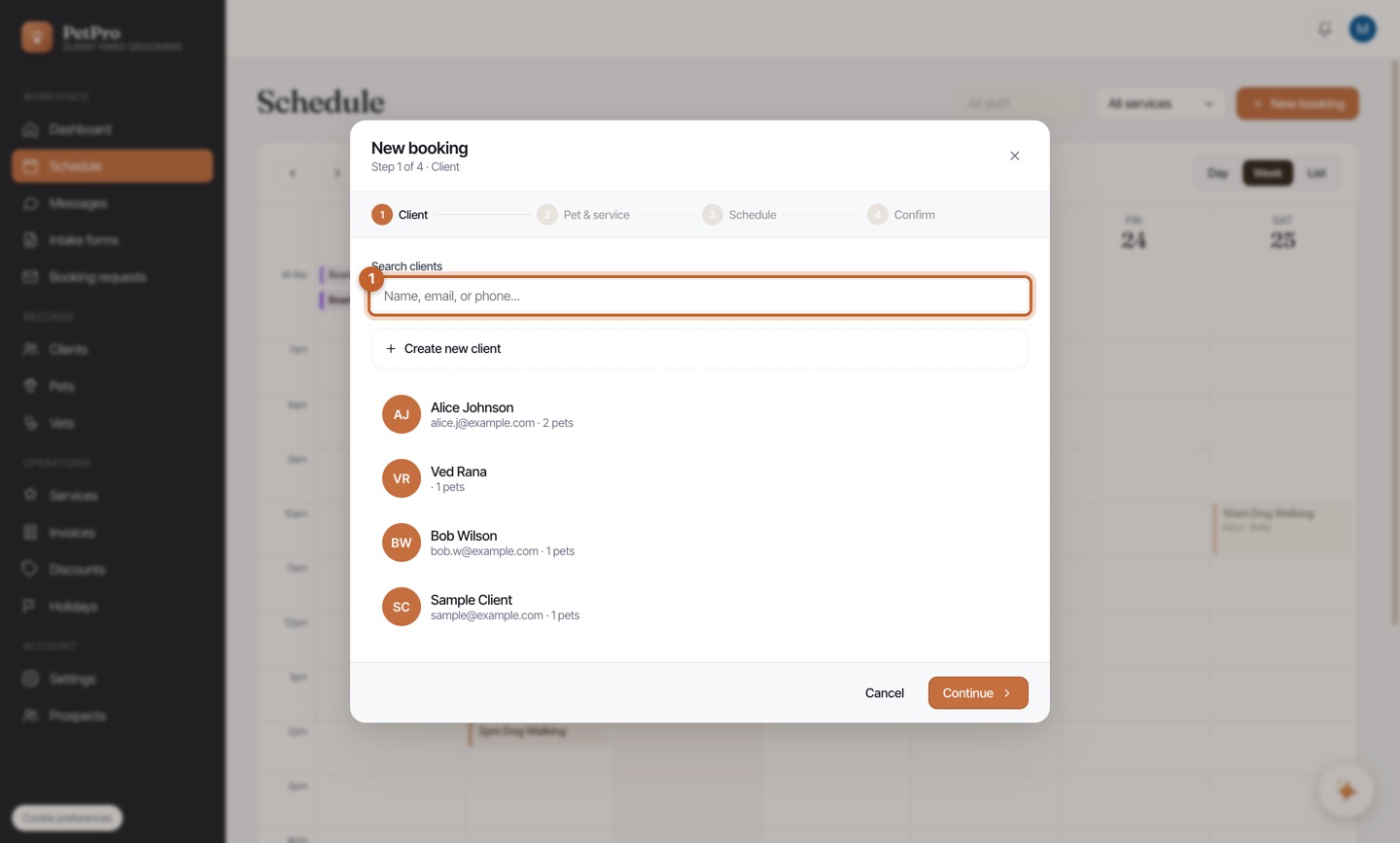
    Pet & service — choose the pet(s) and the service.
    Take a booking — step 3
  4. 4

    Schedule — set the date(s), times, and visits.
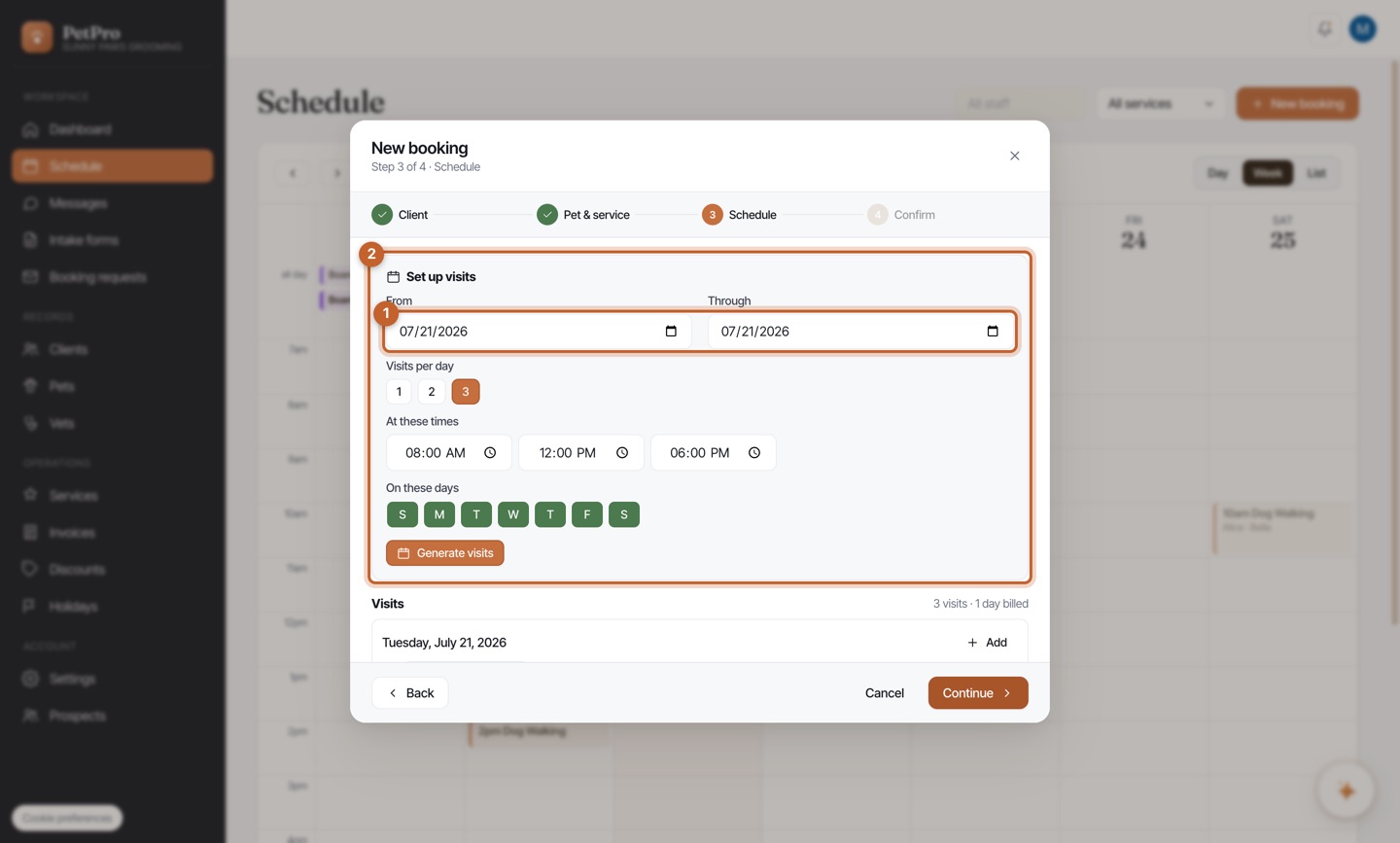
    Take a booking — step 4
  5. 5

    Confirm — review the summary and click Create booking.
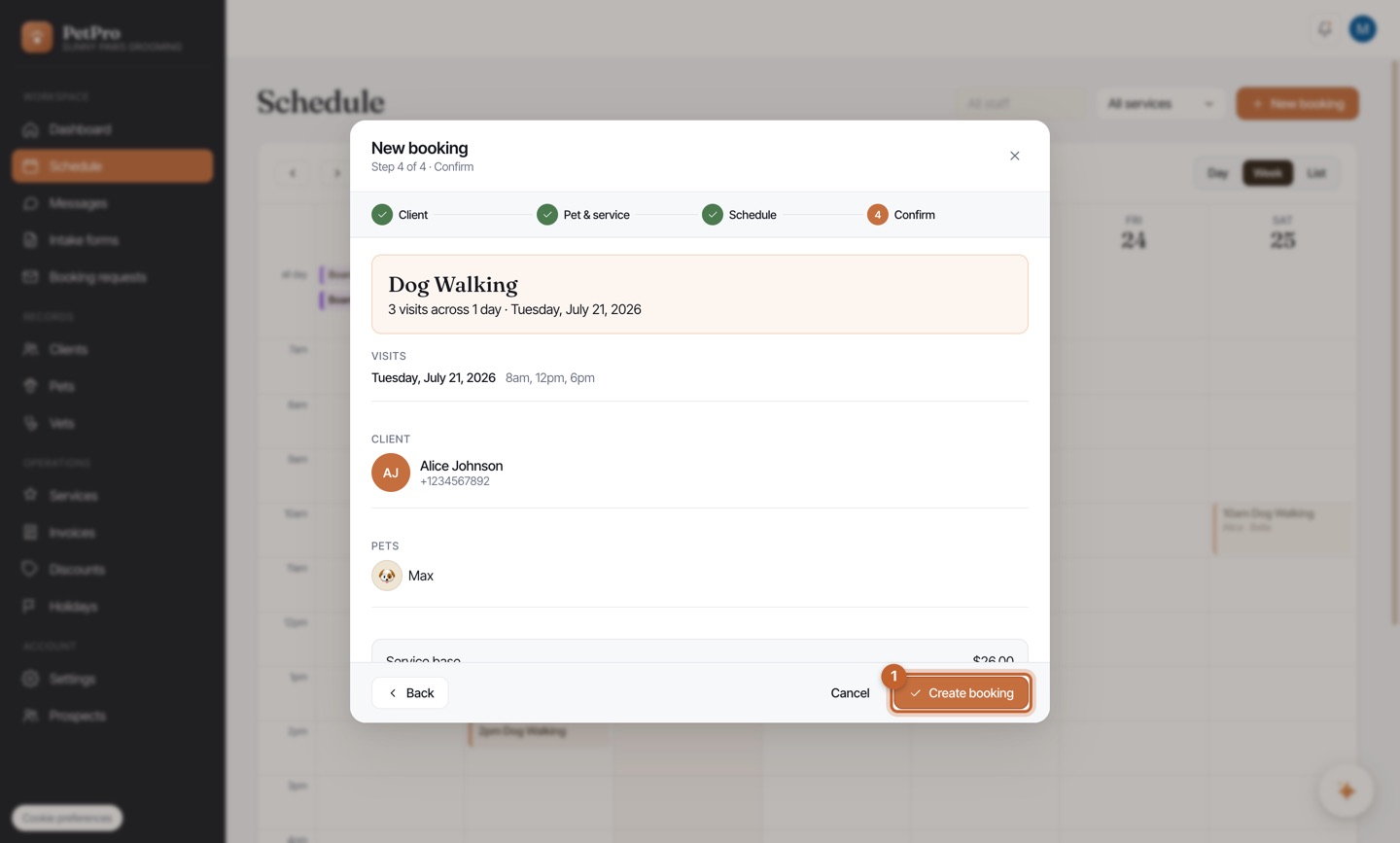
    Take a booking — step 5
You're done

The appointment appears on your calendar at the times you set.

Take a booking — result