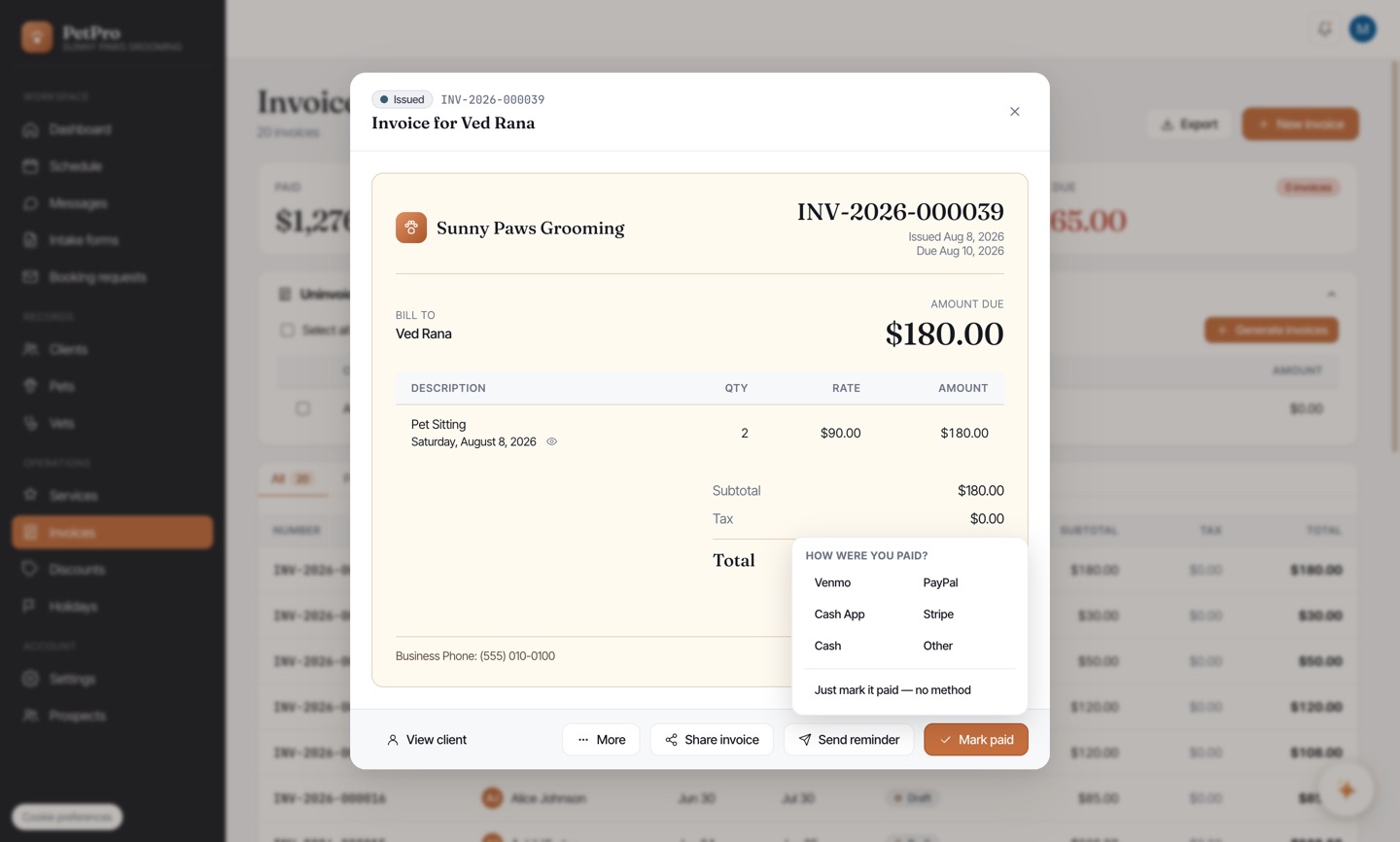
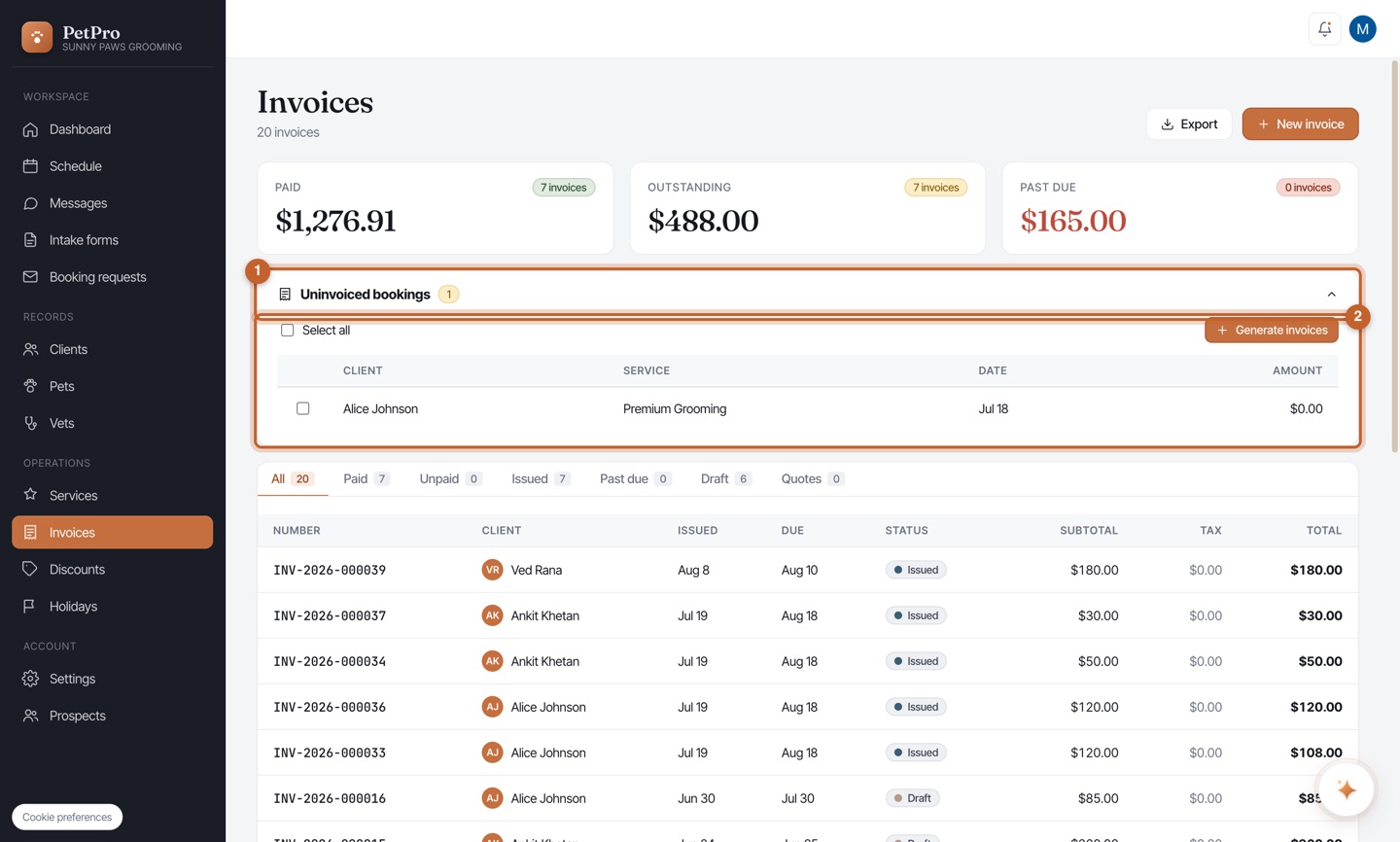
Once a visit is done (you checked the pet out — see Check a pet in and out), the booking shows under Uninvoiced bookings on the Invoices page. Tick it and click Generate invoices to turn the completed work into an invoice — no re-typing anything.
Open the invoice to review its line items and total. From here you can Share invoice or Mark paid.
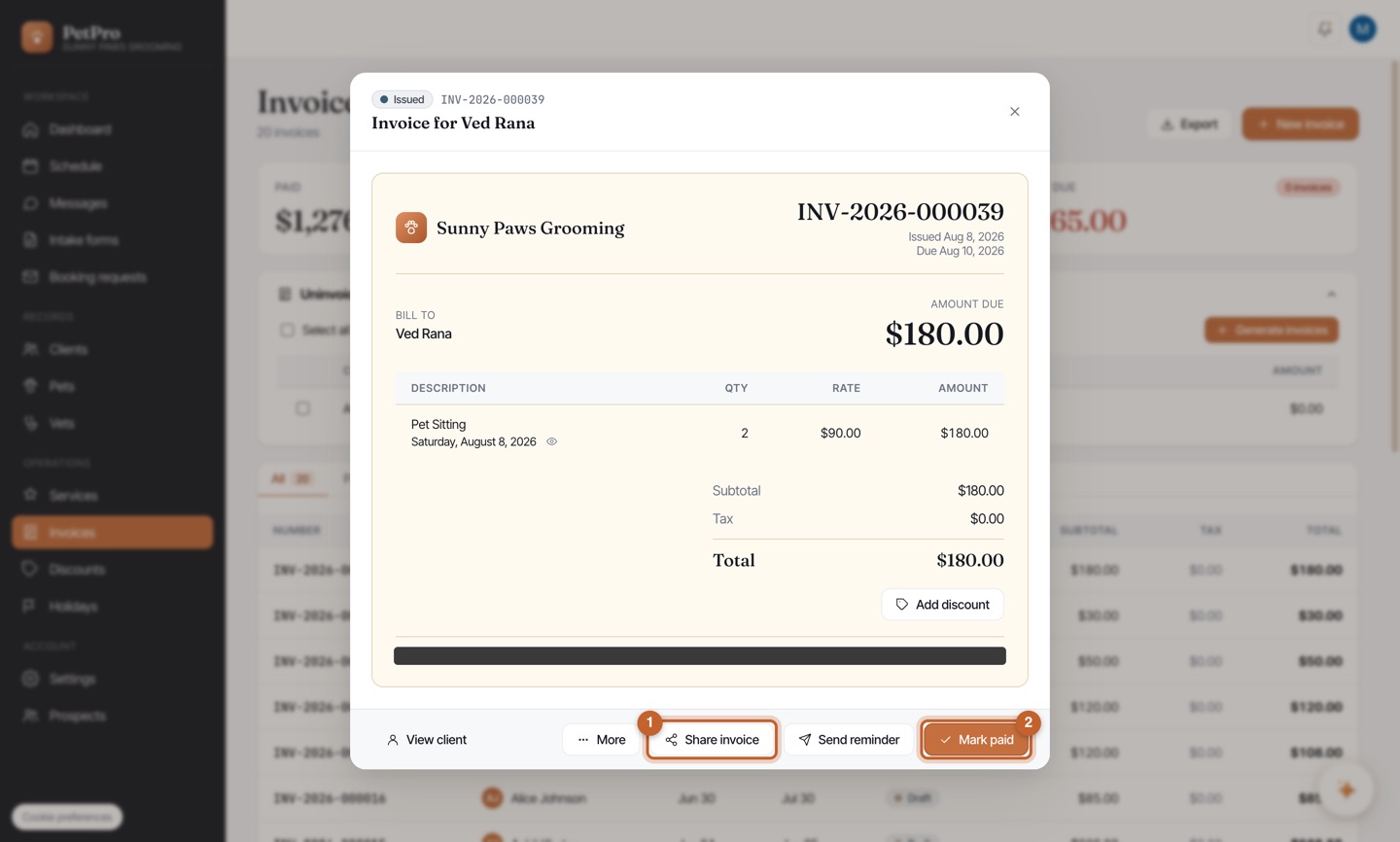
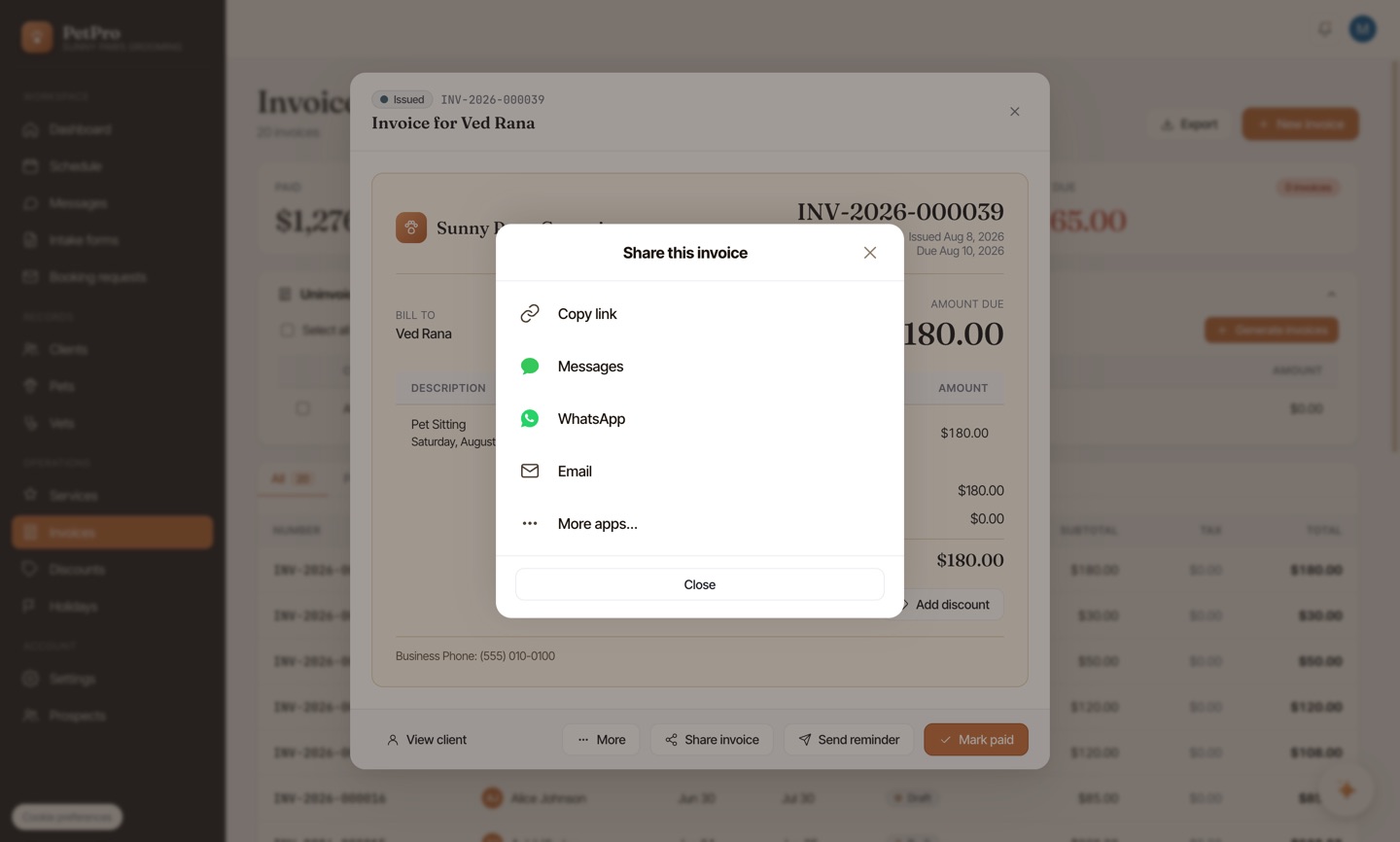
Click Share invoice and send the client their link — text, WhatsApp, email, or copy. They open a clean public invoice with your pay options; no login.
When the client pays, click Mark paid and record how you were paid — Venmo, PayPal, Cash App, Stripe, cash, or just mark it paid. If they've only sent part of it — a deposit, or half up front — record that instead and PetPro tracks the balance: see Record a deposit or part-payment.